
For most Indian companies, there are basically only three ways by which attendance is done: a biometric machine at the entry gate, a register on the supervisor’s desk, or an Excel sheet which is reconciled on the 28th of every month. All three break the moment your team stops working in one place, and very few teams work in one place anymore.
An attendance app fixes the location problem, but the apps differ enormously in what happens after the punch. Some just log a timestamp. Others verify who punched, feed the record straight into payroll, and produce the registers your auditor asks for. This guide compares ten attendance apps available in India on the things that decide whether one works for you: how the punch is verified, whether payroll is built in, what it costs, and which kind of workforce it suits.
So, now, let us know what exactly are these Attendance Applications.
What is an Employee Attendance App?
An employee attendance app is software that allows employees to clock in/out using their mobile device, with their punch being confirmed by means of GPS location, taking a selfie, or scanning one’s face or QR code, with the data being relayed to HR in real time. In India, almost all attendance applications allow for feeding attendance information into payroll calculation, making it possible to process lateness, OT, and other statutory information from a single source.
You will also see these described as employee attendance applications or time attendance applications, and as mobile attendance software. They all mean the same thing.
How We Chose These Vendors
Every app on this list had to meet five conditions: available to and usable by Indian businesses; a working app on both Android and iOS; at least one verified punch method rather than an unverified tap; a documented way to get attendance data into payroll, whether natively or by export; and an active, maintained app listing.
Two apps here, Jibble and Truein, do not handle Indian payroll or statutory compliance themselves. They are included because each does one thing better than the all-in-one platforms, and both entries say plainly what you will need alongside them.
List of the Top 10 Best Mobile Apps for Employee Attendance Tracking
Top 10 Best Mobile Apps for employee attendance tracking are as follows:
- Zimyo
- Keka
- greytHR
- Truein
- factoHR
- Zoho People
- Workstatus
- Jibble
- PagarBook
- Kredily
Best Attendance Apps in India at A Glance
| App | Best for | Punch verification | Payroll built in | Free plan | Starting price |
|---|---|---|---|---|---|
| Zimyo | Mid-sized teams wanting attendance, payroll and compliance together | GPS, geofencing, selfie, biometric integration | Yes | No, 14-day free trial | ₹80/user/month; minimum 50 users |
| Keka | Tech and startup teams | GPS, geofencing, biometric integration | Yes | No, free trial | Contact sales / quote-based |
| greytHR | Payroll-first SMEs with heavy statutory reporting | GPS, geofencing, biometric/face options via add-ons | Yes | No, 7-day free trial | ₹2,495/month for 50 employees |
| Truein | Contract and blue-collar workforces | Face recognition, GPS/geofencing, offline capture, spoof detection | No – attendance/workforce platform; payroll is not native | No – 14-day free trial | ₹290/user/year + ₹69,000/year base |
| factoHR | Manufacturing and shift-heavy operations | Face recognition, GPS, geofencing, selfie punch | Yes | Yes – ₹0, up to 20 employees | ₹4,999/month for up to 50 employees |
| Zoho People | Teams already on Zoho | GPS, geofencing | Via Zoho Payroll | Yes – free for 5 users | Free for 5 users; paid pricing varies by plan |
| Workstatus | Remote and hybrid teams needing productivity visibility | GPS, geofencing, screenshots | No – payroll exports/integration | No, 7-day free trial | ₹300/user/month |
| Jibble | Small teams on a zero budget | GPS, facial recognition, geofencing | No – payroll-ready hours/integrations | Yes – free forever | ₹0 |
| PagarBook | Micro businesses and frontline staff | Selfie, GPS/location, facial recognition | Yes | Not clearly published as a free plan | Paid plans; pricing varies by plan/term |
| Kredily | Small Indian businesses wanting a free HR bundle | Basic free plan: web clock only; paid plans: selfie/GPS/geofencing | Yes | Yes, Free Forever | ₹0/month |
“Pricing and plan details verified against vendor pricing pages during writing of this blog. Plans change, confirm current pricing with the vendor before you buy.”
If you are evaluating desktop-first systems rather than apps, our comparison of attendance management software in India covers that ground instead.
The 10 Best Attendance Apps for Employees in India: In Detail
1. Zimyo
Best for: Mid-sized Indian companies that want attendance, payroll and statutory compliance running off one record.
Pricing: ₹80/user/month; minimum 50 users
Zimyo’s attendance module is built around the assumption that your team is split across locations. Employees punch from the app with GPS and geofencing applied, so a punch only registers inside an approved radius, and selfie capture ties the punch to a person rather than a device. Attendance is marked without connectivity queues on the phone and syncs when the network returns, which matters more than it sounds for field teams in patchy coverage.
What distinguishes it for Indian buyers is the handoff into payroll. Attendance, overtime, leave, and statutory deductions are computed from the same dataset, so the month-end reconciliation between a biometric export and a payroll sheet disappears. The app is available in English and Hindi, and employee self-service means staff check their own balances rather than asking HR.
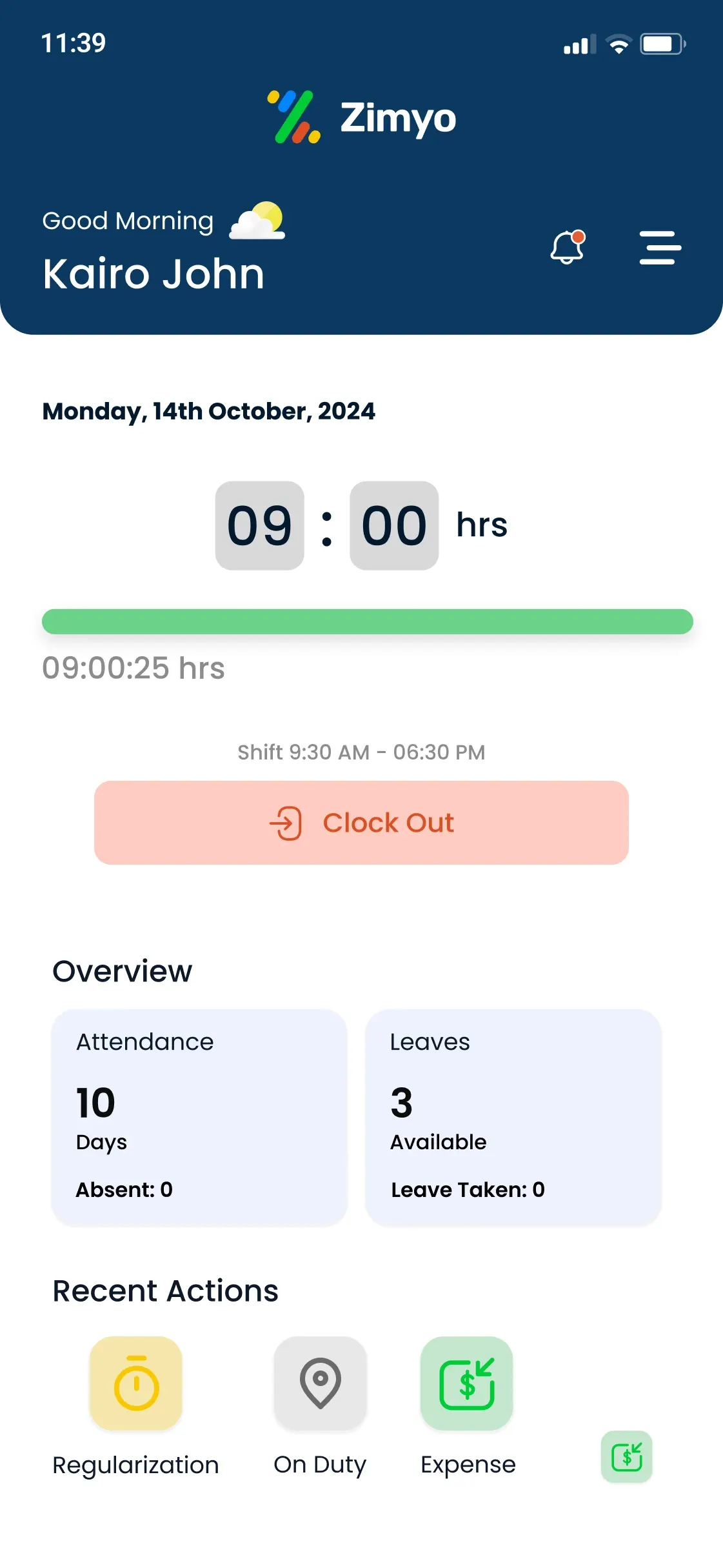
Attendance Methods & Features
- Generate automated reports such as client, product, project, activity reports, etc.
- Specify locations for employee clock-ins and clock-outs.
- Easy online punching from home or any other location that is specified in the software.
- If you want biometric clock-in and clock-outs instead of one-touch, we can implement that too.
- Available in both English and Hindi Language.
- Comes with Payroll Integration
- When any employee of the company is out on the field for company purposes, their time and trip can be logged here.
- Customize shift policy as per time zone and configure fixed and flexible shifts.
| Pros | Cons |
|---|---|
| Integrated HRMS: combines attendance, leave, payroll, and performance in one platform. | The admin dashboard can be slow to load when managing large data sets. |
| Accurate GPS, geofencing, and selfie attendance tracking. | Some users report minor UI/UX inconsistencies in the mobile version. |
| Affordable and tailored for small and mid-sized businesses. | Customer support can occasionally be delayed during peak hours. |
| Seamless employee self-service (ESS) access. | Slight learning curve due to the number of available modules. |
2. Keka
Best for: Tech companies and funded startups that care about how the app feels to employees.
Pricing: Contact sales / quote-based
Keka is the most design-led HR platform in the Indian market, and it shows in the attendance experience - punching in takes one tap, the shift and leave views are legible without training, and adoption tends to be high among desk-based teams. Attendance supports GPS with geofencing and integrates with biometric devices for office entry.
It is built primarily for structured, salaried workforces. If most of your headcount is on the shop floor or on contract, the shift and roster handling in a manufacturing-focused tool will fit better.
Attendance Methods
- GPS punch with geofencing
- Biometric device integration
- Web check-in for office teams
- Shift and roster management
Pros | Cons |
Best-in-class interface; low training overhead | Priced above most India-focused SME tools |
Strong payroll module with Indian statutory handling | Better suited to desk-based than frontline workforces |
Good reporting and analytics for HR teams | Some advanced features sit behind higher tiers |
Well-documented integrations | Roster handling is lighter than manufacturing-specific platforms |
3. greytHR
Best for: SMEs whose main pain is payroll and statutory reporting, with attendance as the input.
Pricing: ₹2,495/month for 50 employees
greytHR started as a payroll product and expanded outward, and its centre of gravity is still compliance. If your monthly anxiety is getting PF, ESI, professional tax and TDS right and producing the reports that go with them, greytHR handles that ground with more maturity than most.
The attendance app covers GPS and geofenced punching and integrates with biometric readers. The interface is functional rather than modern, a fair trade if reliability in payroll matters more to you than polish.
Attendance Methods
- GPS punch with geofencing
- Biometric device integration
- Leave and attendance in one flow
- Shift management
Pros | Cons |
Deep, well-tested Indian statutory compliance | Interface feels dated next to newer platforms |
Long operating history and large SME install base | Attendance is secondary to payroll in product focus |
Reliable payroll processing | Field-workforce features are thinner than in dedicated tools |
Strong compliance reporting | Customisation can require support involvement |
4. Truein
Best for: Contract, blue-collar and multi-site workforces where identity at the punch is the whole problem.
Pricing: ₹290/user/year + ₹69,000/year base
Truein is an attendance-first product rather than an HR suite, and its focus is face recognition. Employees punch by looking at a phone or a shared tablet, which solves two Indian realities at once: staff who do not carry a company phone, and proxy punching where one worker marks another present.
Because it is purpose-built rather than a module, it handles contractor workforces, multiple sites, and shared-device setups more comfortably than a general HRMS. The trade-off is that you will still need something else for payroll and core HR.
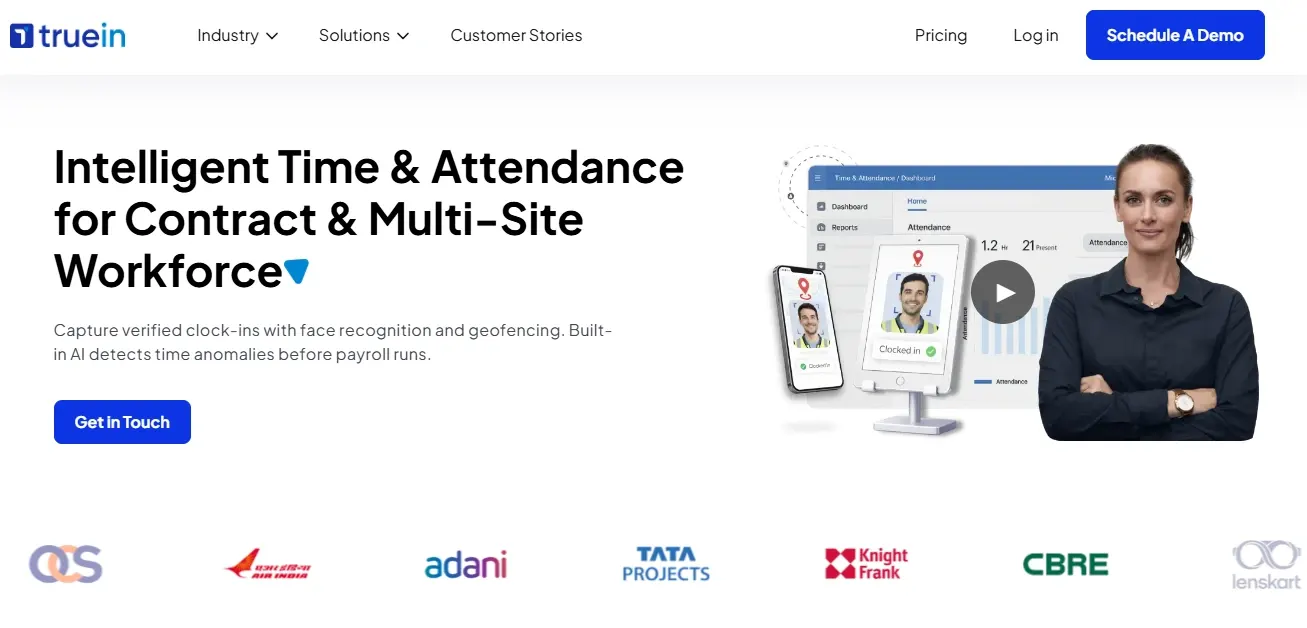
Attendance Methods
- Face recognition on personal or shared devices
- GPS punch
- Shared-device kiosk mode
- Contractor and multi-site handling
Pros | Cons |
Face recognition largely eliminates proxy attendance | Not a full HRMS - payroll and core HR need a separate system |
Works where staff do not carry personal smartphones | Pricing is often not published, making comparison harder |
Built for contractor and multi-site workforces | Face recognition needs reasonable lighting to work reliably |
Fast to deploy for a single-purpose need | Less useful for small desk-based teams |
5. factoHR
Best for: Manufacturing, warehousing and any operation where shifts and overtime are the hard part.
Pricing: ₹4,999/month for up to 50 employees
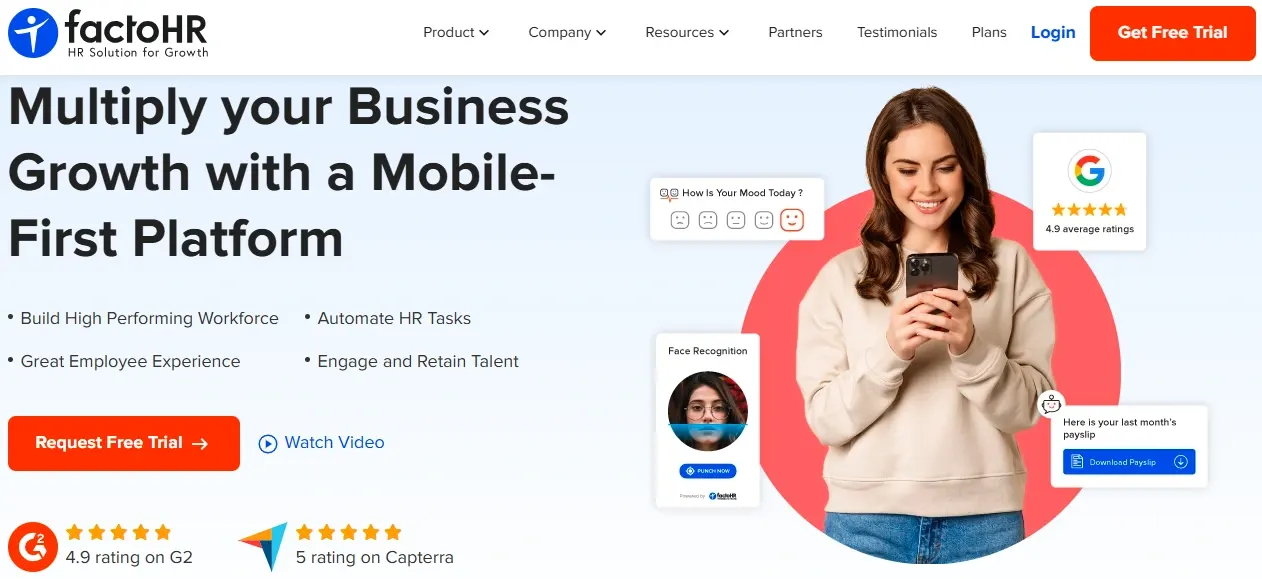
factoHR is aimed squarely at India’s shift-based employers, and the shift, roster and overtime handling reflects that. Face recognition and geofencing cover the identity problem for manufacturing teams, and the platform feeds attendance into payroll with the statutory deductions applied.
For a factory running rotating shifts across multiple units, the roster logic is the reason to look here rather than at a general-purpose HR app.
Attendance Methods
- Face recognition
- GPS punch with geofencing
- Rotating and multi-shift rosters
- Overtime capture
Pros | Cons |
Strong shift, roster and overtime handling | Interface is utilitarian |
Face recognition and geofencing for frontline staff | Less compelling for small desk-based teams |
Built for Indian statutory requirements | Reporting customisation can need support |
Suited to multi-unit operations | Feature depth means a longer setup |
6. Zoho People
Best for: Businesses already running Zoho, where the integration is worth more than best-in-class attendance.
Pricing: Free for 5 users; paid pricing varies by plan
If your CRM, mail, and books are already Zoho, Zoho People is the path of least resistance. Attendance covers GPS and geofenced punching, connects to Zoho Payroll for salary processing, and shares user management with the rest of the suite.
On attendance features alone, it is mid-pack - the case for it is ecosystem, not capability.
Attendance Methods
- GPS punch with geofencing
- Web check-in
- Shift scheduling
- Zoho suite integration
Pros | Cons |
Seamless if you already use Zoho | Attendance features are not category-leading |
Competitive pricing | Payroll is a separate product and cost |
Payroll available through Zoho Payroll | Less compelling as a standalone purchase |
Mature, stable platform | Frontline and contractor handling is limited |
7. Workstatus
Best for: Remote and hybrid teams that need attendance and productivity visibility in the same place.
Pricing: ₹300/user/month
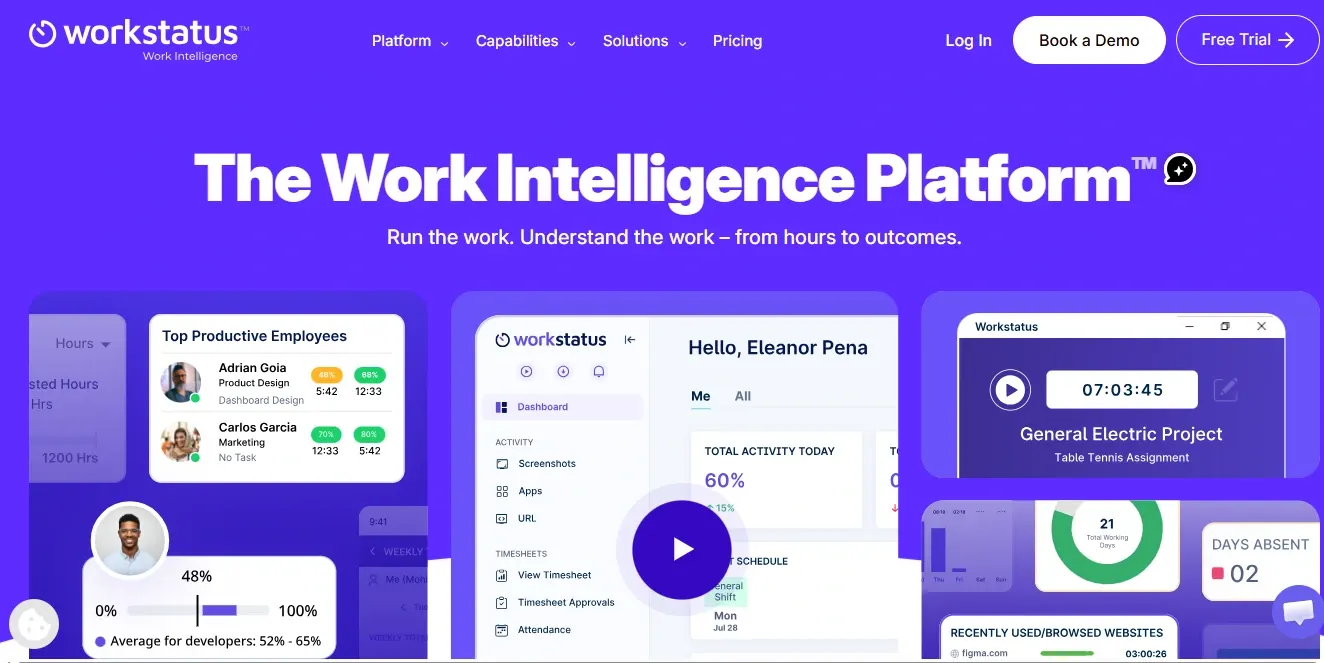
Workstatus tracks attendance alongside how time is spent - GPS and geofenced punching for field teams, plus app and website usage and optional screenshots for remote staff. Automated timesheets come out the other end and can be synced with payroll.
That combination is the reason to choose it and the reason to be careful with it. Productivity monitoring changes the relationship between a manager and a team, and it lands badly if it arrives without explanation. If you only need to know who is present, a simpler tool will create less friction.
Attendance Methods
- GPS punch with geofencing
- Automated timesheets
- App and website usage tracking
- Offline time tracking
- Real-time attendance dashboard
Pros | Cons |
Attendance and productivity data in one dashboard | Monitoring features can feel intrusive and need a clear internal policy |
Works across office, remote, hybrid and field teams | Payroll is a sync rather than a native module |
GPS and geofencing verify field check-ins | More tool than a team needing only attendance requires |
Offline tracking with later sync | Some integrations sit in higher plans |
8. Jibble
Best for: Small teams that need verified attendance and have no budget for it.
Pricing: ₹0
Jibble is the most generous free option in this category - a genuinely usable free tier rather than a trial, covering GPS punching, selfie verification, face recognition, and QR-code kiosks. For a ten-person team replacing a paper register, it may be all you need.
It is not built for India specifically, so there is no PF, ESI, or professional tax handling, and no Indian payroll. Treat it as an attendance layer you will later connect to something else.
Attendance Methods
- GPS punch with geofencing
- Selfie and face recognition
- QR-code kiosk mode
- Offline punching
Pros | Cons |
Free forever plan with unlimited users | Not a full Indian payroll and statutory-compliance platform |
Multiple verification methods, including GPS and face recognition | Advanced workforce-management features require paid plans |
Simple, easy-to-adopt interface | May require an additional HR/payroll platform as HR needs become more complex |
Good fit for small teams and attendance-focused use cases | Paid plans are priced in USD on the global pricing structure |
9. PagarBook
Best for: Micro businesses and Hindi-first frontline teams moving off a paper register.
Pricing: Paid plans; pricing varies by plan/term
PagarBook was built for the smallest end of the Indian market - shops, small retail outlets, workshops, domestic staff, and it shows in the simplicity. Selfie and GPS punching, a basic salary calculation on top, and an interface a supervisor with no HR background can operate.
It does not attempt full statutory compliance. Once you cross the thresholds where PF, ESI and professional tax apply, or an auditor starts asking for registers, you will outgrow it.
Attendance Methods
- Selfie punch
- GPS punch
- Basic salary and advance tracking
- Hindi interface
Pros | Cons |
Very low cost and quick to set up | No meaningful statutory compliance handling |
Hindi support drives frontline adoption | Limited reporting |
Handles advances and basic salary alongside attendance | No real integration with other HR systems |
Well suited to teams under about ten people | You will need to migrate as headcount grows |
10. Kredily
Best for: Small Indian businesses that want an HR and payroll bundle without an upfront spend.
Pricing: ₹0/month
Kredily markets a free HR and payroll tier for small businesses, with attendance included, GPS and selfie punching, leave management, and payroll processing built for Indian requirements. For a growing team that needs compliance handling but cannot justify a per-employee subscription yet, that combination is unusual.
Check carefully what the free plan actually covers before committing, and what happens at the point you exceed it, since that is where the real cost lands.
Attendance Methods
- GPS punch
- Selfie punch
- Leave and attendance in one flow
- Payroll integration
Pros | Cons |
Free tier covering HR, attendance and payroll | Free-plan limits need checking carefully before you commit |
Built for Indian statutory requirements | Support depth is lighter than paid-only platforms |
Reasonable feature depth for the price | Interface is less refined than premium alternatives |
Low-risk way to move off spreadsheets | Fewer integrations than larger platforms |
Attendance apps on Android and iPhone: what actually differs
On Android
On iPhone
Free Attendance Apps: What You Get and What You Do Not
App | Free plan | User cap | Includes Indian statutory handling |
Jibble | Yes - Free Forever | Unlimited users | No |
Kredily | Yes - Free Forever | Unlimited employees | Yes |
greytHR | Yes - Starter plan | Up to 25 employees* | Yes |
PagarBook | Yes - Free plan available | Not publicly specified | Yes |
Zoho People | Yes - Free plan | 3 users | Via Zoho Payroll |
How to Choose, By Workforce Type
The right app depends less on your headcount than on where your people are when they start work.
Office and Hybrid Teams
You need a web check-in for office days, a GPS punch for home days, and a view that shows the split. Verification matters less because presence is observable. Look for clean timesheet handling and a leave flow employees can use without help.
Consider: Keka, Zimyo, Zoho People.
Field and sales teams
Location verification is the whole point, a punch that is not tied to a place tells you nothing. You want geofencing, GPS-based attendance, offline punching for weak-coverage areas, and location capture at punch rather than continuous tracking.
Consider: Zimyo, Workstatus, factoHR.
Factory, warehouse and shop floor
Shifts are the hard part, not attendance. You need rotating rosters, overtime capture against your shift policy, and a punch method that works when staff do not carry personal phones, which usually means a shared-device kiosk with face recognition.
Consider: factoHR, Truein, Zimyo.
Contract and blue-collar workforces
Proxy punching is the risk you are actually managing, and identity verification at the punch is the answer. Face recognition on a shared device handles both the identity problem and the no-smartphone problem. You will also want contractor-wise reporting separate from your payroll headcount.
Consider: Truein, factoHR.
Teams under ten people
Start free and keep it simple. The combination of a self-service photo app combined with GPS is a huge step up from where you’re at now, and you’ll be able to move over when the compliance requirements come through.
Consider: Jibble, PagarBook, Kredily.
Larger and multi-entity organisations
Beyond that point of a few hundred employees across several organizations, the issues become those of role-based access and reporting hierarchies. Our comparison of enterprise attendance software covers that set.
What Your Attendance Record Has to Produce in India
An attendance app is not only an operational tool in India. The record it produces is the basis for three things you can be asked to account for.
Working hours and overtime
The calculation of the time and a half will depend on how many hours were worked beyond what is allowed under the current legislation, and the multiplication rate is statutorily determined. An application that only allows an entry of a date and check mark will not be able to facilitate that calculation. What you need is in-time, out-time, break handling, and a shift definition to measure against, which is why overtime and incentive handling belong in the same system as the punch record.
Registers and inspection readiness
Establishments are required to maintain attendance and wage registers, and to be able to produce them. Whether your obligation runs through the state Shops and Establishments Act, factory legislation, or the consolidated register formats introduced under the labour codes depends on your establishment type and state, confirm which applies to you. The practical requirement is the same either way: the app must export a register in a form your auditor accepts, not just a dashboard you can look at.
Alignment with the payroll wage month
PF and ESI contributions are computed on wages for a defined wage month. When attendance lives in one system and payroll in another, the two frequently disagree about which days fall in which month, and the reconciliation lands on someone’s desk on the 28th. A single record feeding both is what removes that work, and it is the main practical argument for choosing an attendance app inside an HRMS rather than a standalone tracker. Our payroll guide covers the wider process.
Moving off Biometric Machines or Registers
The technical migration is easy. The adoption is not. A rollout that fails usually fails for the same reasons.
- Run both systems for one full payroll cycle. Have both the register and the biometric machine running in parallel to the app for at least one month, and then reconcile the two. It will allow you to identify all the special cases where employees work night shifts or on trips.
- Test on the phones your team actually uses. Not the HR manager’s handset. Entry-level Android devices behave differently, and finding that out during rollout is expensive.
- Write down the location policy before you switch it on. They will be asked about being tracked after working hours. The presence of a well-written answer to this question – no tracking except the location when punching in – would prevent almost all of the resistance.
- Configure shifts and leave policies before onboarding anyone. Attendance calculated against a wrong shift definition produces wrong late marks, and wrong late marks destroy trust in the system in about a week.
- Train the supervisors, not just HR. Frontline staff will ask their supervisor, not the HR team, why their punch did not register. If the supervisor does not know, the app gets blamed.
Frequently Asked Questions (FAQs)
What is an employee attendance tracking app?
An employee attendance tracking app, or an employee attendance app, is software
for employees is a computer-based system that can register the employees' entries and exits as well as their working hours in real time. Such systems commonly rely on mobile or web-based platforms.
Why should businesses use mobile attendance apps instead of manual systems?
The mobile-based attendance solutions minimize both errors and time theft. Time and money are also saved with mobile attendance applications with attendance app. There is also enhanced visibility.
What are the key features to look for in an attendance tracking app?
The features are mobile check-in and check-out, GPS or biometric authentication, tracking, and integration with payroll systems. Other factors are reporting, compliance, and simplicity.