
The payroll process is the only HR task where “adequate” gets expensive fast. Miss an IRS tax deposit, and they won’t send a warning email; they’ll send a penalty ranging from 2% to 15% of the missed deposit amount, plus additional state penalties. One such mistake on a $5,000 deposit can cost you well over $6,500 in three months’ time. The truth is, that’s the real reason you’re looking for payroll software: that everything goes out of your bank account and everything gets filed as promised.
Further, no one will ever admit up front when talking about “the best payroll software“. The thing about payroll software that isn’t on any list of the “best software”: for a small business, the best payroll software isn’t the one with the most features, but the one that runs integrated payroll plans fastest and sends all the required filings and payments reliably, and around 83% of small-business issues stem from filing mistakes, not calculation mistakes.
The market is crowded. Below are payroll software we’d actually recommend, scored the same way, with the trade-offs vendors tend to gloss over, plus the practical stuff (switching, state rules, hidden fees) that decides whether you’re happy in year two.
Understand What is Payroll Software in Our Detailed Blog
Quick picks: Who should Choose What
- Zimyo – Best value all-in-one if you need HR and payroll in one package.
- Gusto – Best US full-service payroll for a single-state team wanting light HR too.
- OnPay – Best value if you are paying employees in multiple states.
- Patriot Payroll – Best budget choice that will also file your taxes.
- QuickBooks Payroll – Best option if you manage your books in QuickBooks.
- ADP RUN – Best option if you are looking to grow beyond 50 people.
- Rippling – Best if you want payroll integrated with HR, IT, and devices.
- Paychex Flex – Best way to bundle payroll with benefits and HR services.
- Square Payroll – Best option if you are an hourly business on Square.
- Justworks – Best PEO option if you want to outsource your HR completely.
- SurePayroll – Best option if you are a household employer or have a tiny team.
How we evaluated these
We analyzed what it’s really like to use payroll software on a payroll cycle for a small business with 5-50 employees:
- Filing taxes and liability – Is it the vendor’s responsibility to file and remit federal, state, and local taxes on your behalf, and cover any penalties? Full service should be the main point.
- Transparent pricing, no tricks – Base published price per employee + fees for additional features for Payroll or HRIS Software.
- Ease of use – Number of steps to generate a regular payroll and level of assistance needed for a new user.
- Multi-state support – The silent killer of many “small business” solutions.
- Integrations – Whether it connects smoothly to your accounts, time tracker, and other HR solutions.
- Support – Whether you can reach someone and how quickly.
Ratings are from G2 as of 2026 and change frequently; always verify in a live profile before purchasing. We used overall fit for a small business as the main criterion instead of the raw rating itself – you will notice that some payroll solutions get higher ratings on G2 compared to our choice, and we’ve left these numbers intact for transparency.
Comparison Table: 11 Payroll tools for Small Business
# | Tool | Best for | G2 rating | Starting price |
1 | Zimyo | All-in-one HR + payroll on one record | 4.5/5 | from $3/user/mo |
2 | Gusto | US full-service payroll + light HR | 4.6/5 | $49/mo + $6/employee |
3 | OnPay | Multi-state value | 4.8/5 | $49/mo + $6/person |
4 | Patriot Payroll | Budget, still full-service | 4.8/5 | $17/mo + $4/employee |
5 | QuickBooks Payroll | QuickBooks users | 4.4/5 | ~$50/mo + per-employee |
6 | ADP RUN | Businesses planning to scale | 4.5/5 | quote-based |
7 | Rippling | Payroll wired into HR + IT | 4.8/5 | quote-based |
8 | Paychex Flex | Bundled payroll + HR/benefits | 4.2/5 | quote-based |
9 | Square Payroll | Hourly teams, Square users | 4.2/5 | $35/mo + $6/person |
10 | Justworks | PEO — HR handled for you | 4.6/5 | per-employee (quote) |
11 | SurePayroll | Household & very small teams | 4.1/5 | ~$20/mo + $4/person |
List of 11 Best Payroll Software for Small Business
Here the list of the 11 Best Payroll Software for Small Business:
- Zimyo
- Gusto
- OnPay
- Patriot Payroll
- QuickBooks Payroll
- ADP RUN
- Rippling
- Paychex Flex
- Square Payroll
- Justworks
- SurePayroll
11 Best Payroll Software for Small Business, Reviewed in Detail
1. Zimyo
Zimyo is an all-in-one HRMS that keeps attendance, leave, payroll, and performance on a single employee record, so the hours someone clocks flow straight into their pay without a second system in the middle. It’s built for small and lower-mid-market teams that want HR and payroll together, a standalone payroll bolted onto a separate HR tool.
Best for: SMBs that want HR and payroll on one affordable record strongest for teams in India, APAC, and the GCC, where Zimyo’s multi-country payroll and compliance run deepest.
Rating: 4.5/5 on G2
Starting price: from $3/user/mo
Free trial: no
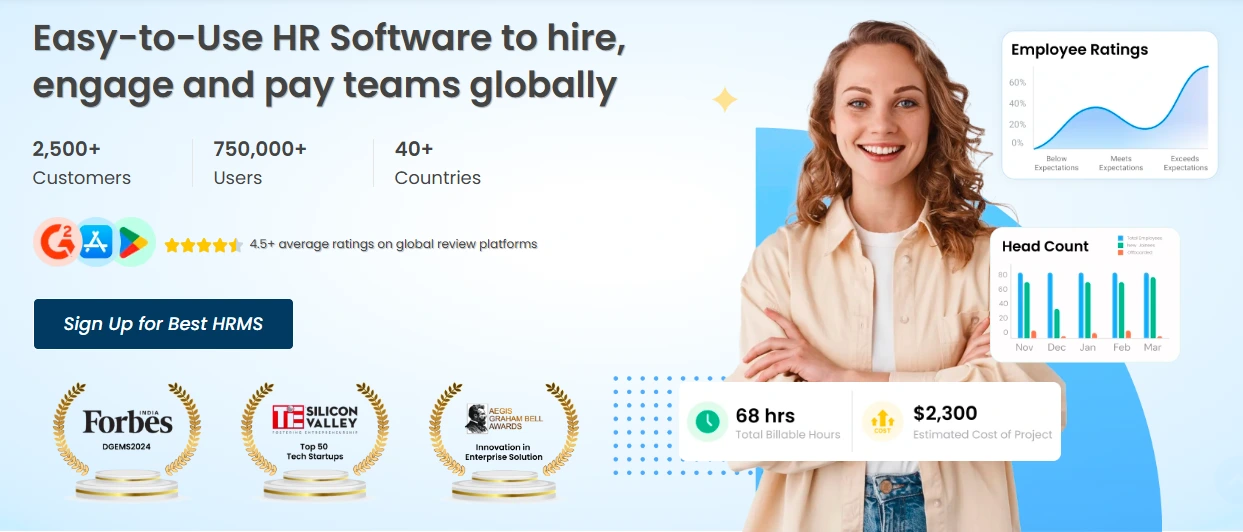
Zimyo Payroll Features Include:
- Attendance and shift tracking with policy customization
- Biometric, mobile, and web clock-in
- Payroll tied to attendance, with leave and regularization on one record
- Multi-country payroll and statutory compliance
- Live dashboards and reporting
- Employee self-service across the full lifecycle
Pros & Cons:
Pros | Cons |
Lowest published entry price here | Smaller G2 review base than the incumbents |
True all-in-one: HR and payroll on one record | Not a US 50-state tax-filing service |
No setup fees on entry plans | Mobile app trails desktop in places |
Quick setup with a dedicated relationship manager |
Verdict: Zimyo is the value pick when your real goal is one system for HR and payroll, not a dedicated US tax filer. Keeping clock-ins, leave, and pay on a single record removes the export-and-reconcile step where mistakes creep in, and at $3/user/month it undercuts every quote-only tool here. Two honest points: the review base is small, so validate it against your own compliance needs.
2. Gusto
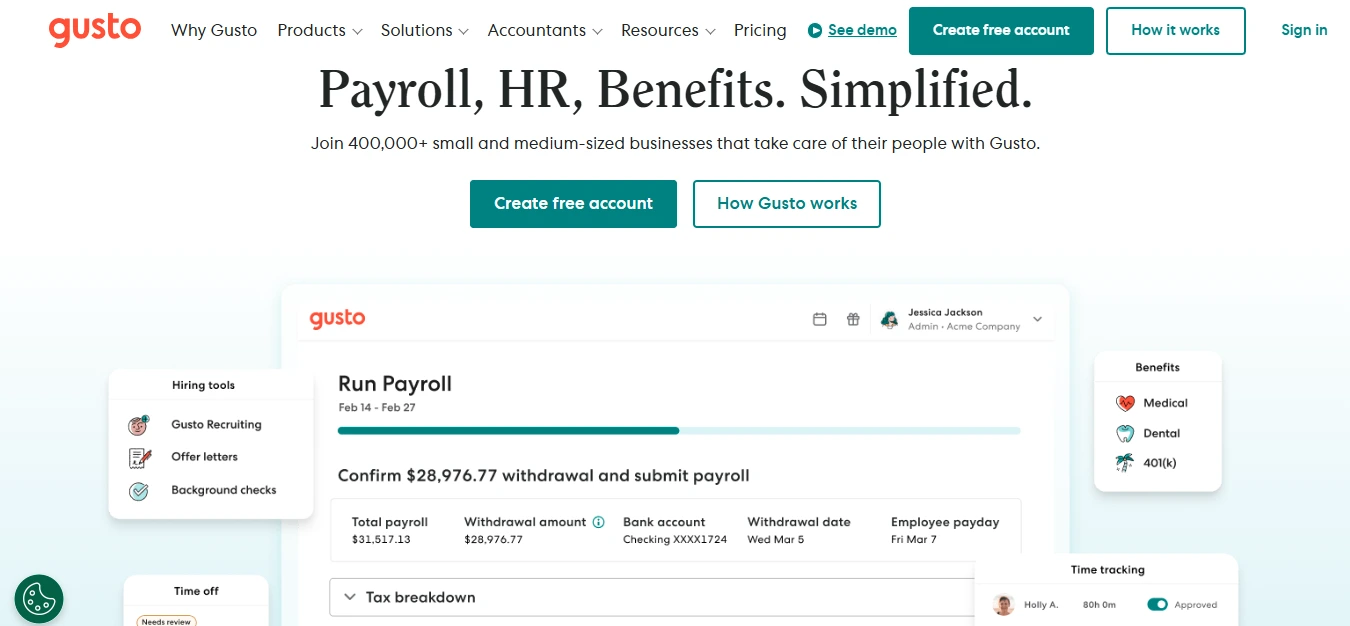
Gusto is the default recommendation for a reason: it runs full-service payroll with automatic tax filing, handles benefits and PTO, and does it through an interface a first-timer can figure out on a Sunday night. Pricing is public, which is rarer than it should be in this category.
Best for: 5–75 W-2 employees in a single state that want payroll plus a bit of HR.
Rating: 4.6/5 on G2
Starting price: $49/mo + $6/employee (Simple); Plus is $80/mo + $12/employee
Free trial: no, but you’re not billed until you run payroll
Key Features:
- Full-service payroll and automatic tax filing
- Benefits administration (health, 401(k))
- Built-in time and PTO tracking (Plus plan)
- Employee self-service and onboarding
- Clean QuickBooks and Xero sync
Pros & Cons:
Pros | Cons |
Easiest to learn; guided steps for non-experts | Simple plan is single-state only |
Transparent, published pricing | Simple raised ~23% in early 2026 |
Strong, responsive support | Time tracking gated behind Plus |
No annual contract | Costs climb as you add people and states |
Verdict: If you want one tool that just works and you’re not juggling multiple states yet, Gusto is the pick. The catch: hire one person in a second state, and you’re pushed onto the Plus plan, which doubles the per-employee fee. For a single-state W-2 team, though, nothing else balances ease, price, and real tax-filing this well.
3. OnPay
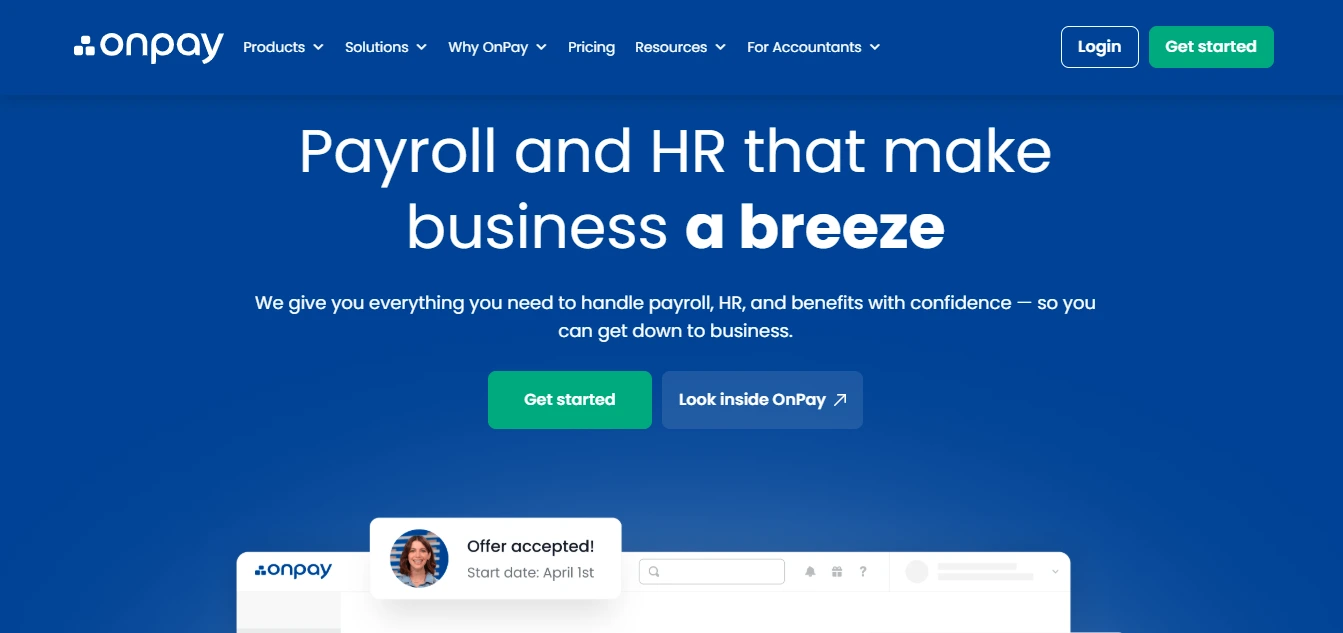
OnPay is the quiet overachiever. It’s been doing payroll and small-business compliance for over 30 years, and its flat pricing includes multi-state filing without the tier games. That combination — full features at one price is why it out-rates flashier names.
Best for: Small businesses paying people across state lines who don’t want to pay extra.
Rating: 4.8/5 on G2
Starting price: $49/mo + $6/person (everything included)
Free trial: yes
Key Features:
- Full-service payroll and tax filing in all 50 states
- Unlimited pay runs at no extra cost
- Benefits and PTO
- Strong US-based support
- Handles W-2 and 1099 in one place
Pros & Cons:
Pros | Cons |
One flat price, all features, all states | Interface is functional, not flashy |
Genuinely strong support reputation | Fewer native integrations than Gusto |
No add-on nickel-and-diming | Brand awareness lags the big names |
Excellent multi-state value | No mobile app polish of larger vendors |
Verdict: If you hire remotely and worry about state tax registration and reciprocal agreements, OnPay handles the mess for one predictable fee. It’s the value play for anyone whose team isn’t confined to a single state.
4. Patriot Payroll
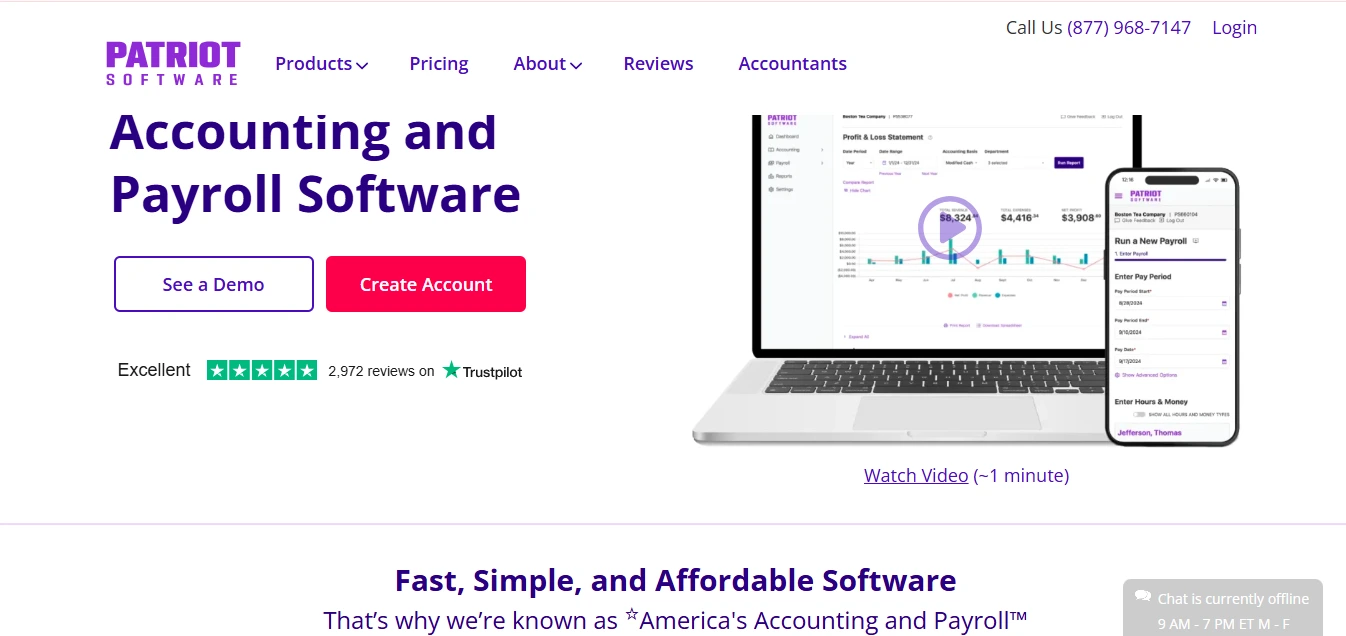
Patriot proves reasonable doesn’t have to mean a calculator that leaves you holding the tax liability. Its Full Service tier files and remits for you at a price the big names can’t touch, and it earns some of the highest support marks in the category.
Best for: Cost-conscious owners who still want real full-service filing.
Rating: 4.8/5 on G2
Starting price: $17/mo + $4/employee (Basic); Full Service adds tax filing for a bit more
Free trial: yes
Key Features:
- Low-cost payroll with optional full-service tax filing
- Free US-based support
- Step-by-step guided payroll runs
- Direct deposit and employee portal
- Add-on time and HR modules
Pros & Cons:
Pros | Cons |
Lowest real price for full-service here | Fewer integrations and benefits options |
Support consistently praised | Basic tier is calculate-only (you file) |
Simple, no-nonsense interface | Not built for complex, multi-state scale |
No contract | Lighter on advanced HR |
Verdict: For a small, mostly single-state team watching every dollar, Patriot is hard to beat. Just make sure you’re on Full Service, not Basic; Basic computes the numbers but leaves the filing (and the risk) to you.
5. QuickBooks Payroll
If your books are in QuickBooks Online, adding QuickBooks Payroll keeps everything in one ledger, rated it best for integration among payroll services. The appeal is that payroll journals sync automatically, with no export ritual.
Best for: Businesses already running QuickBooks Online for accounting.
Rating: 4.4/5 on G2
Starting price: from ~$50/mo + per-employee (frequent intro discounts)
Free trial: yes (or discounted intro months)
Key Features:
- Automatic tax filing, next/same-day direct deposit
- Native QuickBooks Online sync
- Automated tax setup
- Employee self-service
- Tiered plans with HR add-ons
Pros & Cons:
Pros | Cons |
Best-in-class accounting integration | Weaker as a standalone payroll tool |
Same-day direct deposit on higher tiers | Reviewers want deeper payroll features |
Familiar if you use QuickBooks | Costs add up across tiers |
Fast setup for existing users | Less compelling if you’re not on QBO |
Verdict: Buy it for the integration, not the payroll depth. If you’re already in QuickBooks Online, the seamless sync usually outweighs the fact that dedicated tools do payroll better on their own.
6. ADP RUN
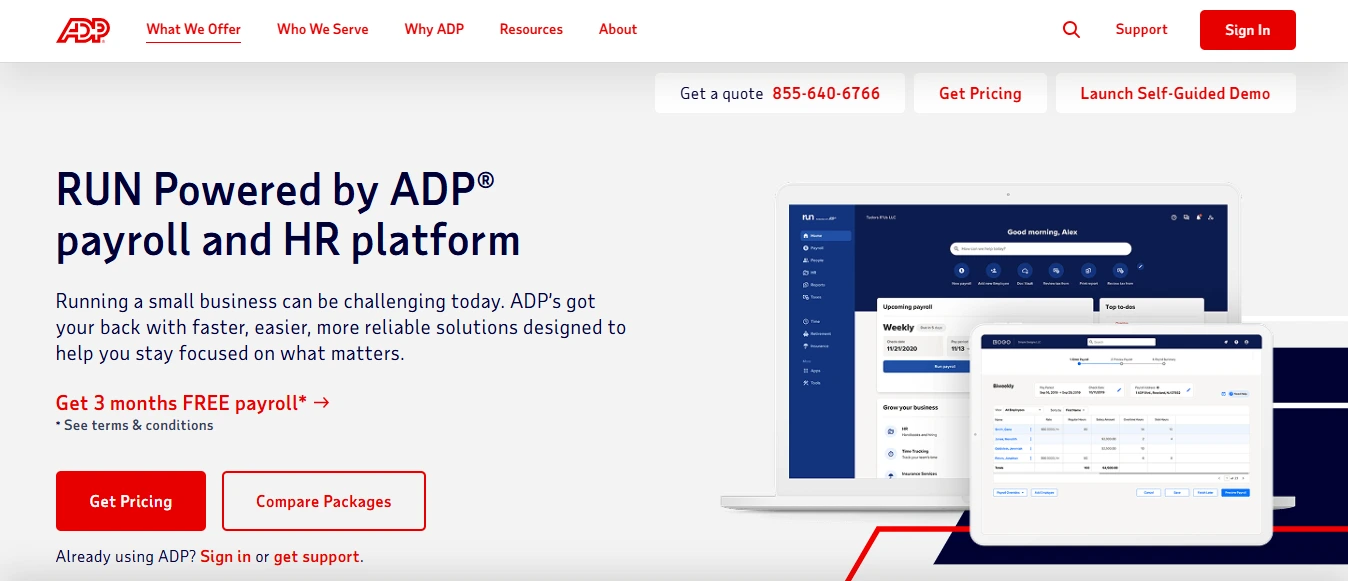
ADP RUN brings decades of payroll and compliance muscle to small teams, with 24/7 payroll support and a clear runway to ADP’s bigger platforms as you grow. It’s consistently rated a top small-business payroll provider for growing businesses.
Best for: Small businesses that expect to cross 50 employees and want to grow into one vendor.
Rating: 4.5/5 on G2
Starting price: quote-based
Free trial: varies by offer
Key Features:
- Full-service payroll and multi-state tax filing
- 24/7 payroll support
- Compliance guidance and document vault
- Modular HR, time, and benefits add-ons
- Clear upgrade path to ADP Workforce Now
Pros & Cons:
Pros | Cons |
Deep compliance and a proven track record | Quote-based pricing; expect a sales call |
24/7 payroll support | Features are modular add-ons that stack cost |
Scales with you past small-business size | Can feel heavy for a tiny team |
Strong multi-state handling | Support quality varies by division |
Verdict: Overkill for a stable five-person shop, and worth it if you’re on a growth trajectory. You pay for infrastructure and support you may not need yet but won’t have to switch away from later.
7. Rippling
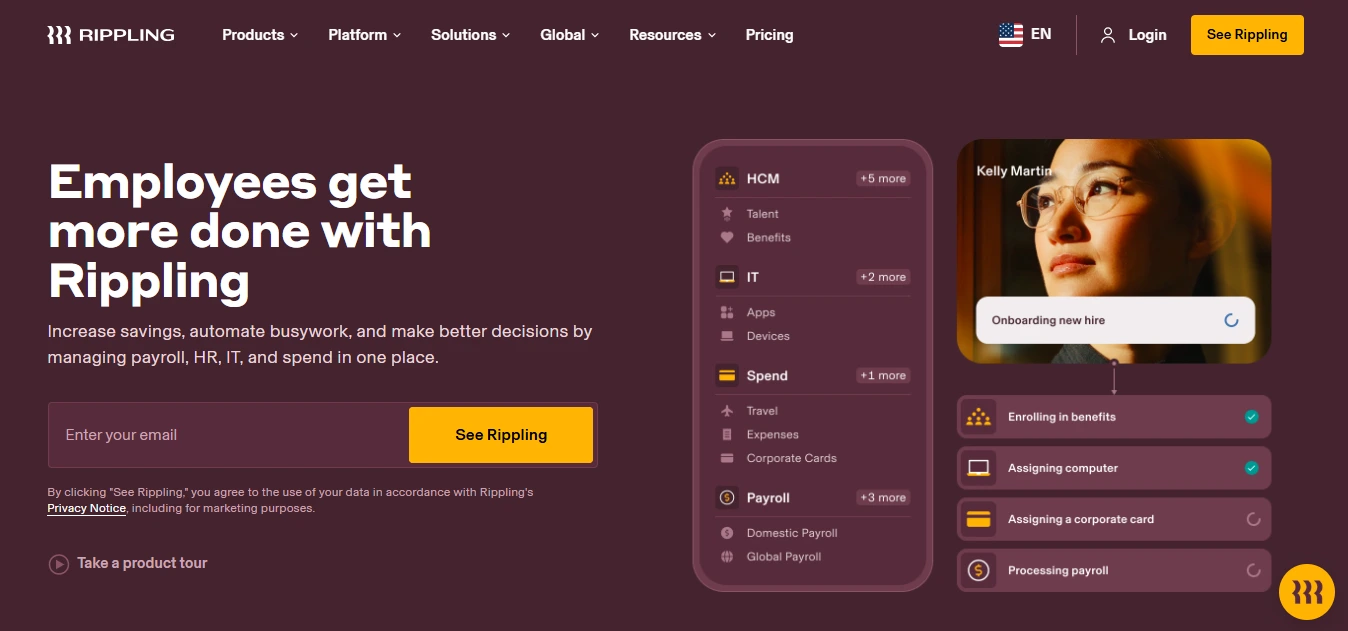
Rippling runs payroll on the same record as HR, benefits, and even device management, so onboarding a hire can set up their pay, laptop, and app access in one flow. It files taxes in all 50 states in-house.
Best for: Tech-forward teams that want payroll unified with HR and IT.
Rating: 4.8/5 on G2
Starting price: quote-based
Free trial: no
Key Features:
- Payroll with in-house 50-state tax filing
- Native HR, IT, and device provisioning
- Deep automation and workflow rules
- Strong reporting and full data export
- Large integration library
Pros & Cons:
Pros | Cons |
Unmatched automation and integration depth | Quote-based; real value needs several modules |
One record for HR, IT, and payroll | Support skews to chat/email |
Files taxes in all 50 states | More platform than a simple team needs |
Modern, fast interface | Pricing opacity slows budgeting |
Verdict: If payroll is just one piece of a system you want automated end to end, Rippling is the most capable option here. For a business that only needs to cut paychecks, it’s more machine than the job requires.
8. Paychex Flex
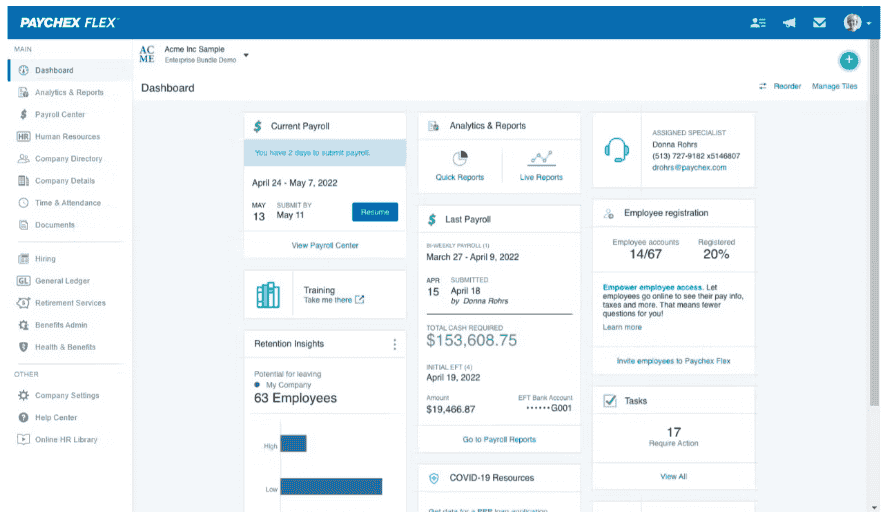
Paychex is the other long-standing giant, and Flex is its small-to-mid platform. It shines when you want payroll, benefits, and HR support from one dedicated rep rather than a chatbot — and it scales cleanly as you grow.
Best for: Growing businesses that want payroll bundled with HR and benefits, with a named contact.
Rating: 4.2/5 on G2
Starting price: quote-based
Free trial: promotional offers common
Key Features:
- Full-service payroll and tax filing
- Benefits administration and HR services
- Dedicated account representative options
- Customizable dashboards and reporting
- Retirement and insurance offerings
Pros & Cons:
Pros | Cons |
Strong bundled HR and benefits | Lower G2 satisfaction than newer tools |
Dedicated-rep support model | Quote-based pricing; add-ons stack up |
Proven at scale | Interface feels dated to some |
Broad service ecosystem | Can be pricey for a small team |
Verdict: A safe, full-service choice when you value a human account rep and want benefits handled alongside pay. Get the all-in quote in writing; the base number rarely tells the whole story.
9. Square Payroll
If you already run Square for point of sale, Square Payroll pulls hours straight from your POS and pays your team with minimal fuss. Simple per-person pricing and same-day options make it a natural fit for shops, cafes, and hourly crews.
Best for: Hourly and shift-based small businesses, especially existing Square customers.
Rating: 4.2/5 on G2
Starting price: $35/mo + $6/person (contractor-only: $6/contractor, no base)
Free trial: no
Key Features:
- Tight integration with Square POS and timecards
- Full-service tax filing
- Contractor-only option with no monthly base
- Same/next-day direct deposit options
- Simple, transparent per-person pricing
Pros & Cons:
Pros | Cons |
Effortless if you’re on Square already | Small G2 review base so far |
Simple pricing, hourly-friendly | Lighter HR features |
Contractor-only plan is genuinely cheap | Less compelling off the Square ecosystem |
Good for tips and shift work | Not built for complex multi-state teams |
Verdict: For a cafe or shop already living in Square, this is the path of least resistance. One owner we came across ran payroll Sunday night for Monday shifts using same-day deposit that kind of flexibility is the real draw for hourly teams.
10. Justworks
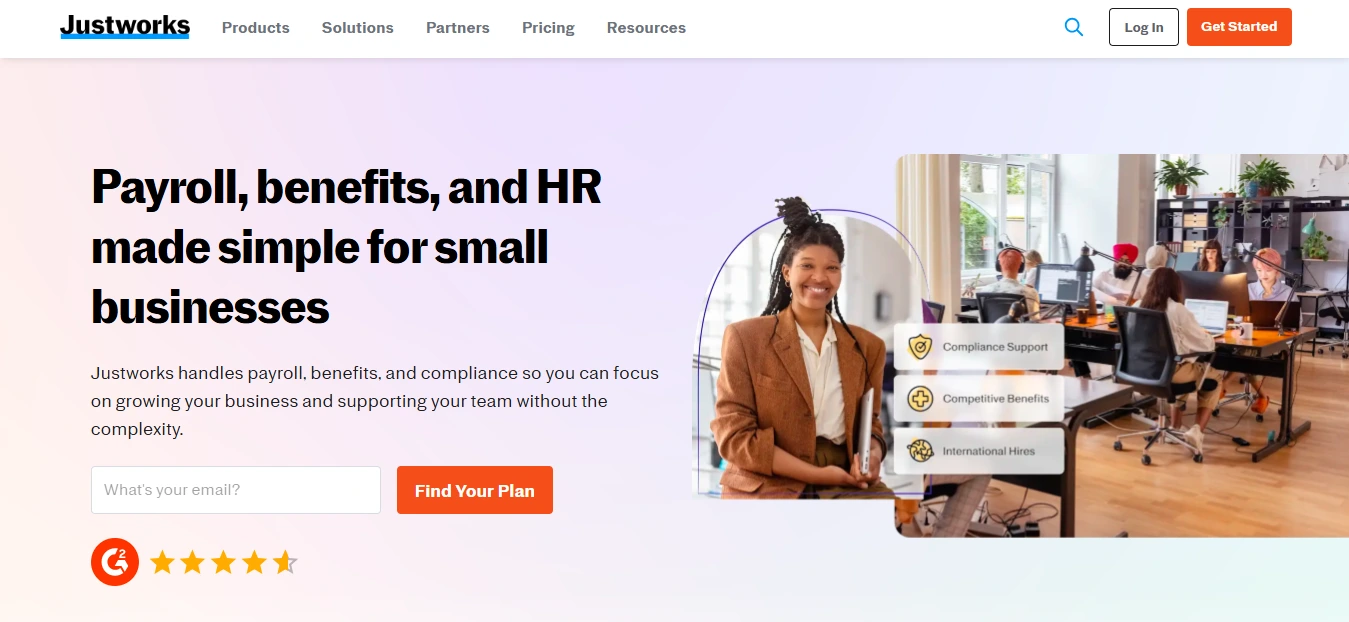
Justworks is the PEO on this list: you co-employ through it, and it delivers payroll, benefits, and compliance as a service, with access to enterprise-grade benefits a small company couldn’t negotiate alone. The AIO itself flags it as strong for multi-state compliance.
Best for: Lean teams with no HR staff that want outcomes, not another platform to run.
Rating: 4.6/5 on G2
Starting price: per-employee, quote-based (PEO plans typically ~$50–99/employee/mo)
Free trial: no
Key Features:
- Bundled payroll, benefits, and compliance
- Access to pooled, enterprise-grade benefits
- Multi-state compliance support
- HR guidance from real people
- Employee self-service and onboarding
Pros & Cons:
Pros | Cons |
HR, payroll, benefits, compliance in one service | Co-employment = less control |
Benefits pricing a small team can’t get alone | Per-employee cost adds up |
Near-zero setup project | Less customizable than software |
Solid multi-state support | Overkill if you just need payroll |
Verdict: When you’d rather buy HR than build it, Justworks is the strongest bundled option here. If you want to keep control and customize, a PEO will feel like a straitjacket go with full-service software instead.
11. SurePayroll
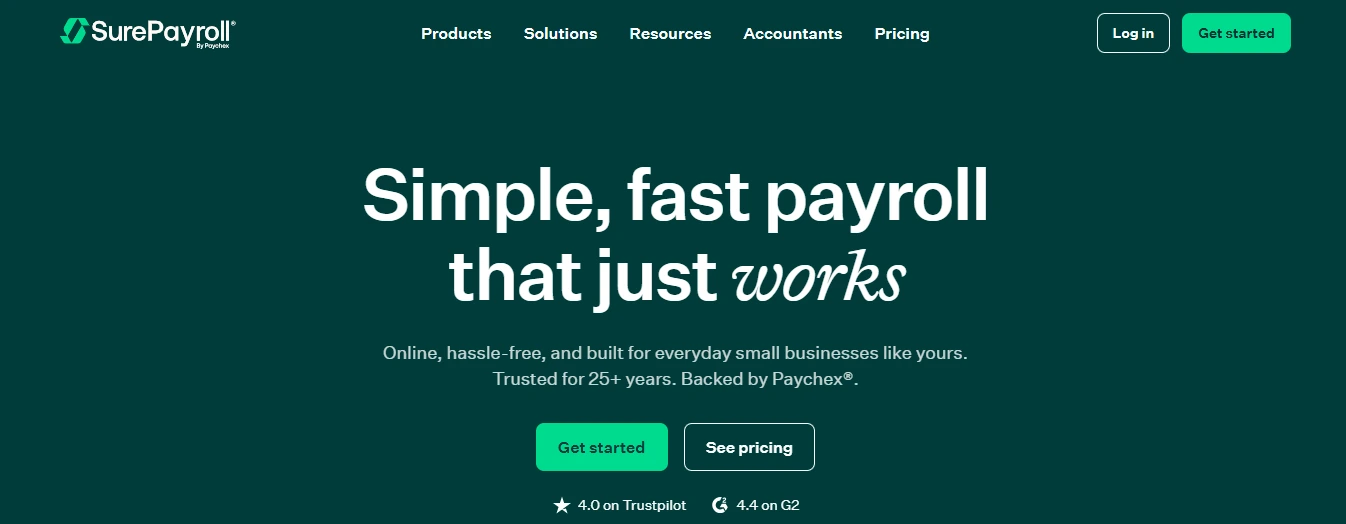
SurePayroll specializes in the smallest cases, including household employers (nannies, caregivers) that most business-focused tools handle awkwardly. Low base price, full-service filing available, and simple enough for a one- or two-person payroll.
Best for: Household employers and micro-teams.
Rating: 4.1/5 on G2
Starting price: ~$20/mo + $4/person (self-service); full-service costs a bit more
Free trial: promotional offers
Key Features:
- Full-service or self-service payroll
- Household-employer support
- Automatic tax filing (full-service)
- Mobile payroll
- Direct deposit and self-service
Pros:
Pros | Cons |
Handles household payroll well | Fewer features than mainstream tools |
Low entry price | Lower G2 satisfaction |
Simple for tiny teams | Not built to scale |
Full-service option available | Lighter integrations |
Verdict: A niche pick that earns its spot. If you employ a nanny or run a two-person operation, SurePayroll does the narrow job cleanly and cheaply. Businesses planning to grow should look higher up this list.
Match the Payroll software to your one Real Requirement
Most buyers arrive with a single deciding factor. Here’s the shortcut:
Your situation | Look at |
Single-state W-2 team, want easy | Gusto, Patriot |
Employees in multiple states | Zimyo, OnPay, ADP RUN, Rippling |
Already on QuickBooks | QuickBooks Payroll |
Already on Square POS | Square Payroll |
Tightest budget, still full-service | Patriot, SurePayroll |
Planning to scale past 50 | ADP RUN, Paychex Flex, Rippling |
Want HR fully handled (PEO) | Justworks |
Household employer | SurePayroll |
Contractors only | Square (no base), Gusto Contractor |
HR + payroll on one record | Zimyo |
India / APAC / GCC small team | Zimyo |
Lowest published price | Zimyo, Patriot |
True cost of ownership: Past the sticker price
The advertised number is the floor, not the bill. Typical plans start between $30 and $50 a month plus a per-employee charge, but here’s what actually shows up on the invoice.
Cost-per-employee pricing model works out perfectly for five people but starts showing itself at twenty-five. Multi-state pricing can be a hidden surprise: in several systems, adding one employee in another state makes you pay extra for yourself and doubles your per-person cost. Then add fees like benefits administration, workers’ comp administration, timekeeping (usually an additional fee in basic packages), and year-end processing.
Calculate your true return on investment before deciding. Even if you spend 4 to 6 hours on each pay period doing payroll manually and your time costs $50 per hour, then you are losing money, and the payroll software can bring the time down to just twenty minutes per run, saving you over 120 hours of your time annually.
How much does small-business payroll software cost?
A budget of about $30-$50 per month plus $4-$12 per person for comprehensive service packages is required. Tools such as Patriot Software cost $17/mo + $4/employee, while the mainstream tools Gusto and OnPay cost $49/mo + $6/employee. PEO services such as Justworks cost much more because they include HR and benefits management services along with software, often $50-99 per employee per month. For a 10-person business operating in one state with a mainstream tool, the budget is about $100-$150 per month, depending on whether you add additional states or benefits.
There are two main billing models: Per-employee-per-month (per-head flat fee) and flat-rate plans, with the latter better for larger businesses. Most small business tools use the first option with monthly fees.
Red flags Competitors won't warn you about
Vendors are consistent. Here’s what to watch out for:
1. “Full service” that is not
Many low-end packages do the calculation but leave you responsible for the filing. Make sure the vendor handles the taxes and fixes its own mistakes. Take particular note of the filing-guarantee clause in their contract – almost all require that if you fail to meet their deadlines or don’t keep sufficient funds in your account, the guarantee covers them more than you.
2. Poor multi-state coverage
Multi-state employees automatically disqualify many “small business” products from consideration because registration, nexus, and reciprocal agreements require a genuine tax engine. If you have remote employees, check the state coverage before committing.
3. Unusual pay type
Tipped staff, commission splitting, piece-rate, and certified/prevalent wage payroll processing are outside the capability of typical payroll software. If your plan isn’t strictly hourly/salary-based, make sure your scenario works in the demo period.
Per-payroll pricing when you manage payrolls on a frequent cycle: If you pay employees weekly, per-payroll pricing gets expensive quickly.
State and Industry specifics that change your Shortlist Payroll Service for Small Business
The generic “handles all 50 states” doesn’t address the nuances. California adds SDI; New York City has additional local taxes; Pennsylvania has reciprocal rules and local EIT that confound basic solutions. If you do business in or employ residents of any of these places, verify that the system can take care of them automatically.
Industry is equally important. Restaurants need proper tips. Construction typically requires certified payroll and prevailing wages. Healthcare companies calculate shift differentials along with unlimited payroll runs . Seasonal companies turn their employees over all the time. These aren’t edge cases for those industries, and most generic solutions don’t support them well, so include them in your demos.
Key features worth Paying For
Key features neccesary for the payroll software for small businesses are-
- Tax filing included: Opt for automated payroll providers that do tax filings and provide liability protection.
- Accounting integration: Ensure there are real integrations, not just data exports to Excel files.
- Time tracking integration: The time-tracking system should automatically sync with payroll.
- Employee self-service: Employees must be able to access their pay stubs, W-2 forms, and other payroll data themselves.
- Customer support accessibility: Choose a payroll provider with easily accessible customer support.
- Ease of use for employees: This includes easy clock-in for employees and easy access to payroll data.
- Usability for administrators: A nice interface matters, but ease of use for payroll processes matters too important.
The Payoff of Getting this Right
Beyond avoiding penalties, quality payroll systems quietly perform three other important functions. First, it eliminates manual data entry and, therefore, underpayment or overpayment. Second, it provides impeccable record-keeping and filings, which matters especially in multi-state situations or during audits. Third, it turns payroll data into useful information on labor costs by department, overtime trends, and turnover trends, among others.
For context on how common the gap still is: only about 21% of small businesses use dedicated payroll software, while 25% still run it by hand and 34% outsource to a firm. Moving from manual to software is usually the highest-ROI HR upgrade a small business makes.
How to Choose the Best Payroll System for Small Businesses
The factors that should be taken into consideration for the best payroll software for small businesses are-
- Pick the category first – DIY, full-service software, or PEO. Get this wrong, and the rest is wasted effort.
- Check your state and pay-type reality – Multi-state, tips, certified payroll before you fall for an interface.
- Separate must-haves from nice-to-haves – Full-service filing and your key integrations are must-haves; everything else is a tie-breaker.
- Test with your real numbers -During the trial, run your actual pay scenarios, not the demo’s.
- Get the all-in quote in writing -Base, per-employee, add-ons, year-end fees from at least three vendors.
Conclusion
The best payroll solution for small businesses is the one that files your taxes trouble-free, works within a few clicks, and caters to the exact kind of staffing you have – single-state or multi-state, salary-based or hourly, W-2 or 1099. If you are looking for HR+Payroll in a single record (or the best option for India, APAC, and GCC teams), then Zimyo is the choice to make. For US single-state companies, Gusto is the safe bet.
When you need multi-state value and affordability, OnPay and Patriot are the solutions. If you’re already in their ecosystems, QuickBooks and Square are the best choices. As you scale, ADP, Paychex, and Rippling become your options. Finally, if you would prefer not to manage HR yourself, Justworks is your solution.
Still unsure which payroll software fits your business best? Book a demo and let our experts help you decide!
Frequently Asked Questions (FAQs)
Can a small business do their own payroll?
Yes, but lots do, particularly with just one or two employees in one state. However, “do your own payroll” means two entirely different things. Doing the actual computation and issuing paychecks isn’t difficult. What burns many business owners is filing and depositing federal, state, and local taxes on time without errors, because penalties for late or incorrect deposits. Full-service payroll software that takes care of filing and depositing for you, which even protects you against errors by the software itself, is reasonable for most small businesses beyond just a few W-2 employees.
How can I do payroll in Excel?
In a technical sense, yes, but only sometimes in the case of one employee. You can create a spreadsheet to figure out your gross, deductions, and net pay. The problem is that there are many things Excel won’t do for you – such as file and submit payroll taxes, update its knowledge of constantly changing tax calculation schedules and state laws, and prevent simple typos from turning into payment mistakes. And since payroll fines are generally due to problems with paperwork, Excel puts you at risk of precisely what will cost you.
Can I do my own payroll for free?
Almost. A handful of free services exist (most notably Payroll4Free, but some platforms also offer a free contractor-only or trial tier), and they will do the math for you and sometimes even process direct deposits. But the downside is nearly always in the tax filings – free services will either force you to take care of that yourself or will charge you extra for that service. “Free payroll” basically always means “free calculations and self-filing taxes.” It may work for a very small team that doesn’t mind handling tax filings, but it won’t work for anyone else.
How much does payroll software typically cost?
Most comprehensive payroll software solutions charge $30–$50 per month as a flat fee, plus about $4- $12 per employee per month. Discounted solutions such as Patriot cost about $17/month plus $4/employee, whereas typical payroll systems such as Gusto and OnPay cost about $49/month plus $6/employee. The actual price will likely be even higher when you factor in the costs of administering benefits, timekeeping services, workers’ compensation, and multiple states.