


In today’s fast-paced digital business environment, managing documents efficiently has become a major challenge for organizations of all sizes. From employee records and contracts to invoices, policies, and compliance files, businesses handle thousands of important documents every year. Without a proper system in place, scattered files and unorganized folders can lead to confusion, data duplication, security risks, and loss of critical information.
This is where the Best Document Management System for Businesses becomes essential. A modern document management system is more than just a storage platform it is a centralized solution that helps organizations securely create, store, organize, track, and share documents with ease. Whether it’s HR teams managing employee files, finance departments handling invoices, or legal teams tracking contracts, a reliable business document management software simplifies workflows and improves productivity across departments.
With the growing demand for cloud document management software, digital document management system solutions, and document workflow management software, businesses are rapidly moving toward automated and paperless operations. In this guide, we’ll explore the best document management systems for businesses in 2026, their key features, and how they help companies improve efficiency, collaboration, and document security.
What is a Document Management System?
A document management system (DMS) is a software solution that helps businesses securely store, organize, manage, and track digital documents from one centralized platform. It eliminates the need for paper-based filing and replaces scattered folders with a more structured and efficient digital workflow.
Think of it as a smart digital filing cabinet that not only stores files but also allows teams to search, edit, share, and secure documents with ease. Modern cloud document management software and digital document management system solutions also include automation, collaboration, and compliance features to streamline document-related tasks across departments.
Today’s business document management software helps organizations manage approvals, maintain version histories, control document access, and improve workflow efficiency. Many companies also use document control software and document workflow management software to ensure employees always work on the latest version of important files and policies.
For HR teams, a DMS can function as an employee document management system, securely storing offer letters, contracts, ID proofs, payroll records, and compliance documents in one organized platform. This improves accessibility, reduces manual effort, and strengthens data security across the organization.
List of Best Document Management Software for Businesses in 2026
Here’s a list of the Best Document Management System for Businesses and top document management software solutions trusted by companies worldwide for secure storage, workflow automation, and efficient document handling.
- Zimyo
- Zoho WorkDrive
- DocuWare
- Sharepoint
- Keka
- DarwinBox
- eFilecabinet
- Pandadoc
- HRone
- Box
- DocuSign
Best Document Management System: In Detail
1. Zimyo
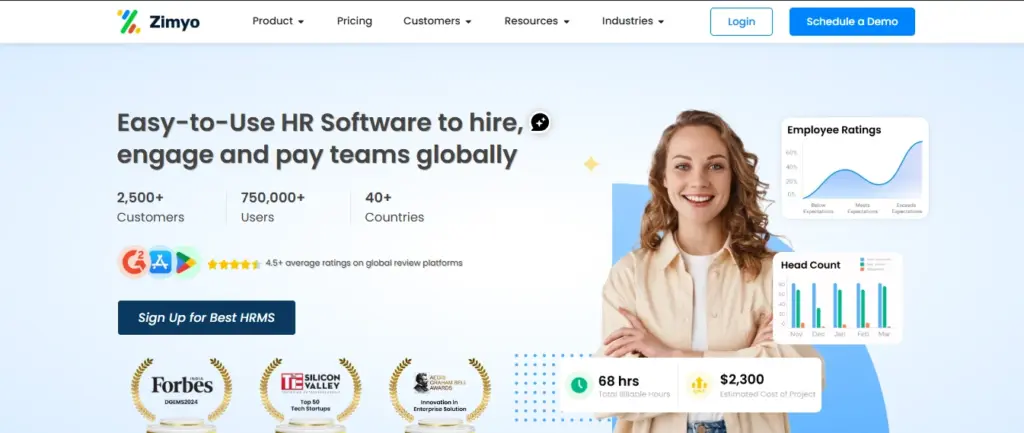
Zimyo offers a modern HR document management system designed to help businesses securely manage, store, and access employee records from a centralized platform. As a comprehensive document management system, it simplifies document handling through automated uploads, secure storage, version control, e-signatures, and compliance tracking.
Integrated with payroll, attendance, and performance management modules, Zimyo functions as a smart business document management software solution that gives HR teams a single source of truth for employee data. From onboarding documents to confidential contracts, this cloud document management software helps organizations keep files organized, accessible, and secure while improving overall workflow efficiency.
Key Features:
- Centralized employee document management system for secure and organized employee record storage
- Automated uploads and version tracking through advanced document control software
- Built-in e-signature and digital approval capabilities for faster document processing
- Role-based secure access controls within the document management system for HR teams, managers, and employees
- Seamless integration with payroll, attendance, and performance modules in a unified business document management software platform
- Compliance tracking and policy management tools for secure and efficient document governance
Pros:
- Specifically designed as an HR document management system for efficient employee record management
- User-friendly document management software experience for both HR teams and employees
- Strong compliance, data security, and access control features within the secure document management software platform
- Seamless integration with payroll, attendance, and performance modules in a unified business document management software system
Cons:
- Primarily Employee & HR-focused
- Limited offline access options
2. Zoho WorkDrive
Key Features:
- Real-time collaboration and co-editing within the document management system
- Role-based access controls for secure document sharing and management
- Integration with Zoho applications and third-party business tools
- Cloud storage with mobile accessibility through cloud document management software
- Audit trails and activity tracking for better document security and compliance
Pros:
- Ideal for team collaboration and file sharing
- Affordable for small to mid-sized businesses
- Easy integration with Zoho Workplace tools
Cons:
- Limited advanced document automation features
- Interface can feel basic for enterprise users
3. DocuWare
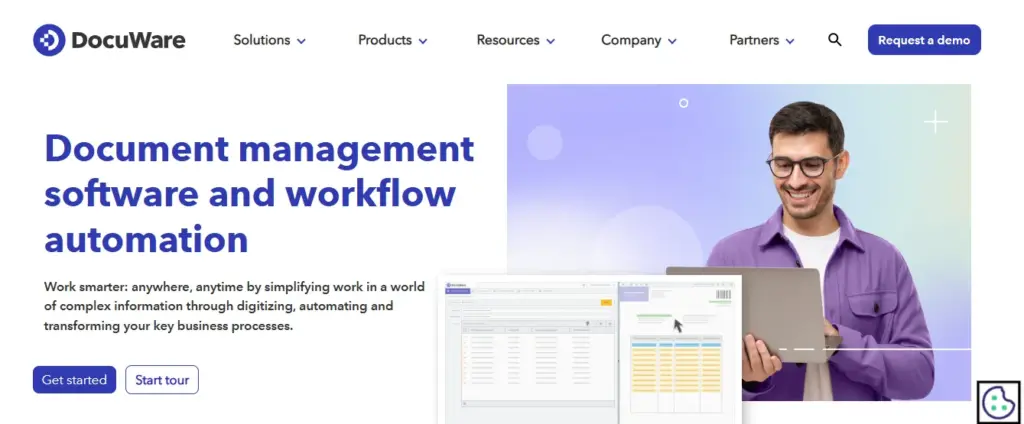
DocuWare is a trusted document control software focused on workflow automation, secure file storage, and digital archiving. It enables businesses to scan, organize, store, and retrieve documents quickly through an advanced electronic document management system while maintaining strong compliance and data security standards.
Its intelligent archiving and workflow capabilities make it a reliable secure document management software for industries such as healthcare, banking, and manufacturing where document security and compliance are critical.
Key Features:
- Intelligent document capture and indexing within the electronic document management system
- Automated workflows for approvals, routing, and document processing
- Version tracking and secure archiving through advanced document control software
- Flexible cloud and on-premise deployment options for businesses
- Role-based access controls and audit logs for improved security and compliance
Pros:
- Highly secure and compliant with data regulations
- Strong workflow automation capabilities
- Great for medium to large enterprises
Cons:
- Higher pricing compared to basic DMS software
- Requires onboarding and setup support for new users
4. SharePoint
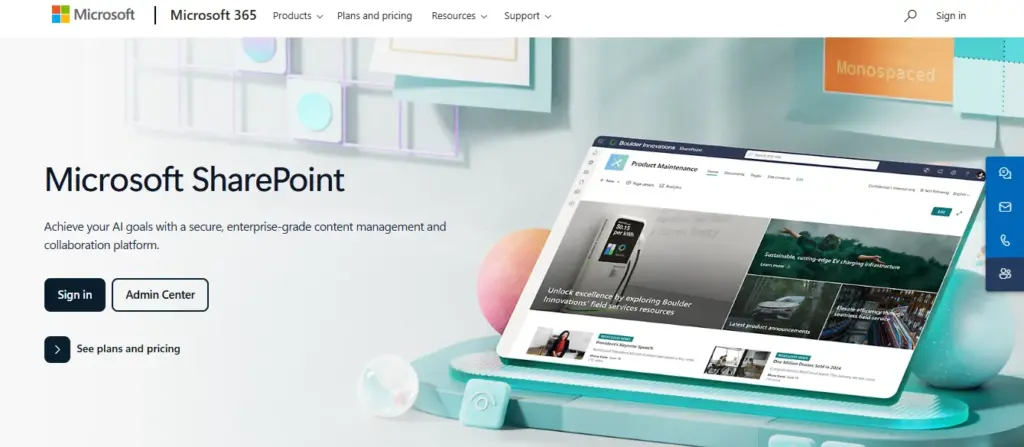
Microsoft SharePoint is a widely used electronic document management system that helps teams collaborate, organize, and manage business content efficiently from a centralized platform. It offers document version control, secure access permissions, and seamless integration with Microsoft Office applications for improved productivity and workflow management.
With advanced collaboration and file-sharing capabilities, SharePoint is a preferred enterprise content management software solution for large organizations managing complex document workflows and secure business data.
Key Features:
- Real-time co-authoring and collaboration on Microsoft Office documents
- Document version control and secure permissions management within the document management system
- Seamless integration with Microsoft 365 applications and business tools
- Customizable workflows and dashboards for improved document workflow management software capabilities
- Team collaboration and centralized communication through intranet portals
Pros:
- Ideal for large organizations already using Microsoft products
- Highly customizable
- Excellent collaboration tools
Cons:
- Can be complex to set up and manage
- Requires regular IT support for customization
5. Keka
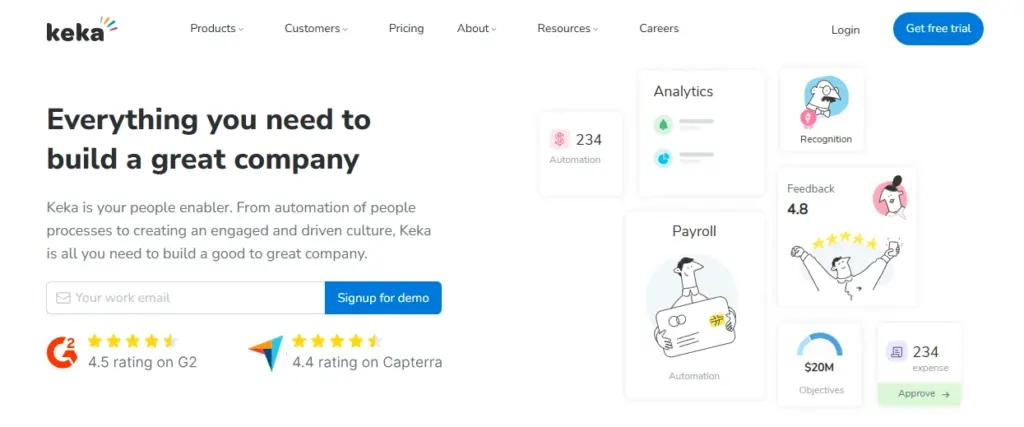
Keka HRMS offers an efficient employee document management system that helps HR teams securely store and manage employee records such as resumes, offer letters, tax documents, and ID proofs. Its built-in document management system capabilities simplify document organization, access, and tracking from a centralized HR platform.
Integrated with core HR modules, Keka functions as a streamlined business document management software solution that enables organizations to manage HR documentation, employee records, and compliance-related files more efficiently.
Key Features:
- Employee document upload and verification through a centralized employee document management system
- Secure and organized HR file storage within the document management system
- Automated onboarding document collection for faster HR processes
- Role-based access controls for secure document handling and data privacy
- Integration with payroll and compliance tools for streamlined HR documentation workflows
Pros:
- Great for HR teams managing large workforces
- Integrated with other HR functions
- Simple and user-friendly design
Cons:
- Focused mainly on HR document management
- Lacks advanced document workflow automation
6. Darwinbox
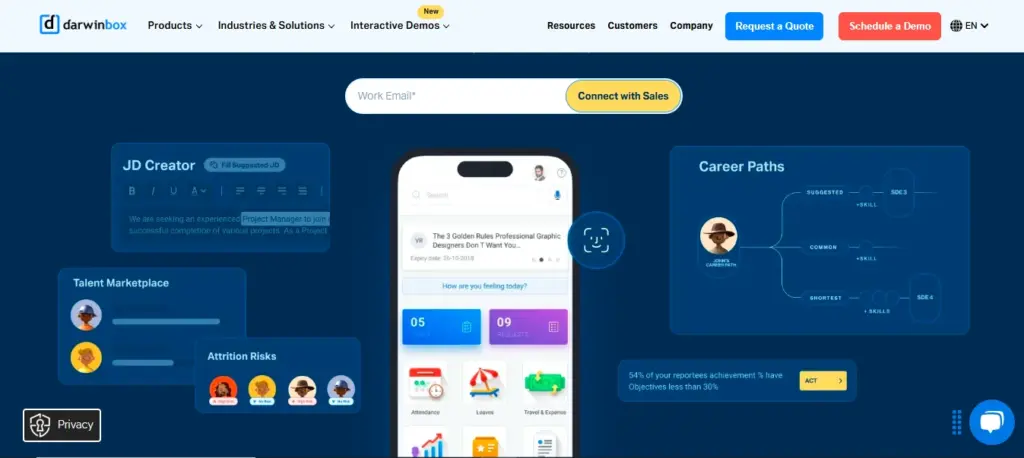
Darwinbox provides a smart HR document management system that helps businesses securely store, organize, and manage employee documents. It includes digital onboarding, policy acknowledgment tracking, and intelligent document categorization for streamlined HR documentation and compliance management.
Key Features:
- Digital document collection during onboarding
- Policy acknowledgment and compliance tracking
- Secure storage and quick retrieval system
- Integration with HR, payroll, and performance modules
Pros:
- Best for large enterprises and growing teams
- Simplifies compliance and employee lifecycle management
- Great integration across HR functions
Cons:
- Expensive for small businesses
- Interface can feel overwhelming initially
7. eFileCabinet
Key Features:
- Advanced search and indexing capabilities for faster document retrieval
- Automated document routing and workflow approval processes
- Flexible cloud and on-premise deployment options
- Data encryption and compliance-focused security features within the secure document management software
- Audit-ready record keeping for improved compliance and document tracking
Pros:
- Excellent security features
- Ideal for legal, finance, and government organizations
- Strong compliance and backup options
Cons:
- Not the most intuitive interface
- Higher learning curve for new users
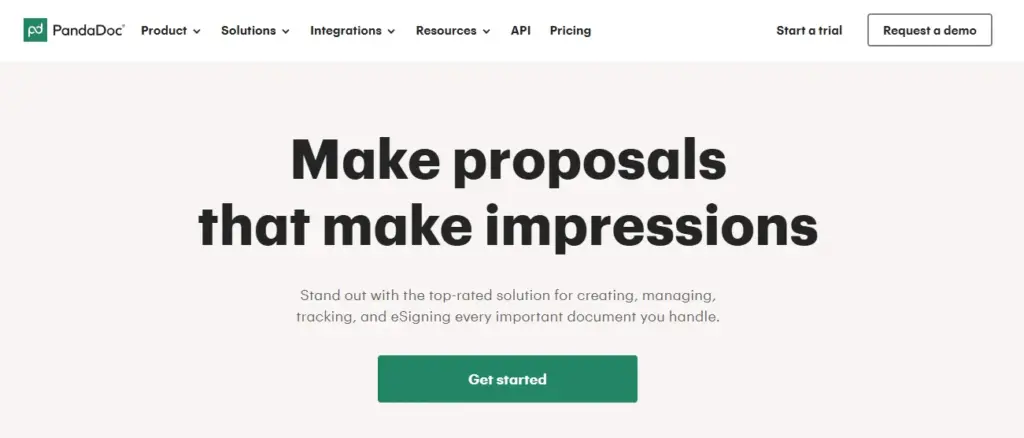
8. PandaDoc
PandaDoc is a popular document handling system used for creating, sharing, tracking, and signing business documents digitally. It simplifies contract management, approval workflows, and document collaboration while integrating seamlessly with CRM platforms like HubSpot and Salesforce for streamlined business operations.
Key Features:
- Drag-and-drop document builder
- Built-in e-signature feature
- Template library for contracts and proposals
- Real-time tracking and notifications
- Integration with CRM tools like HubSpot and Salesforce
Pros:
- Perfect for sales, legal, and business contracts
- Easy-to-use interface
- Strong analytics and tracking
Cons:
- Not suitable for large-scale document storage
- Limited HR-specific functionality
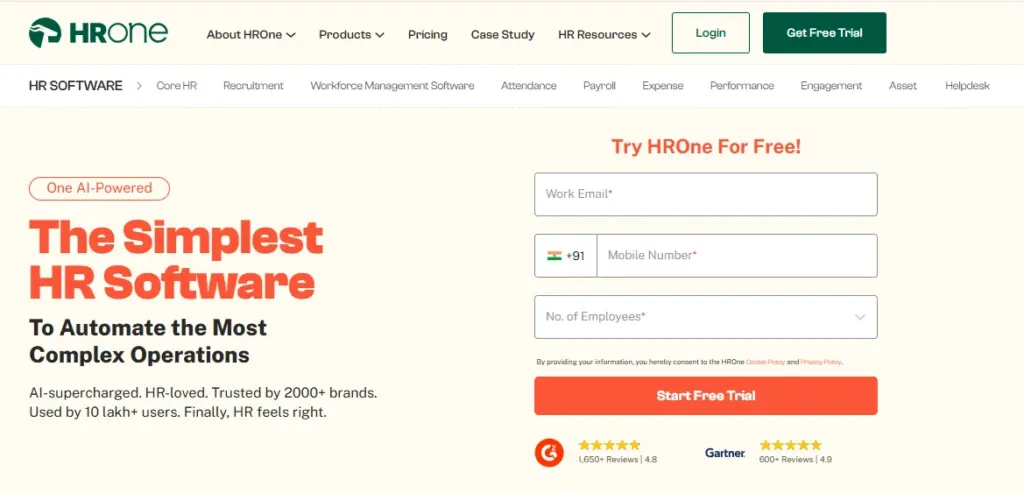
9. HRone
HRone offers an integrated employee document management system that enables HR teams to securely store, organize, and manage employee records digitally through a centralized document management system. It improves accessibility, streamlines HR workflows, and supports compliance with company policies and legal requirements using secure business document management software features.
Key Features:
- Employee document upload and verification through the employee document management system
- Secure file access and data encryption for improved document security
- Automated document expiry alerts and compliance notifications
- Role-based visibility and access controls for HR teams, managers, and employees within the document management system
Pros:
- Tailored for HR departments
- Good document tracking and reminders
- Affordable for SMBs
Cons:
- Limited customization options
- Works best only when integrated with HRone HRMS
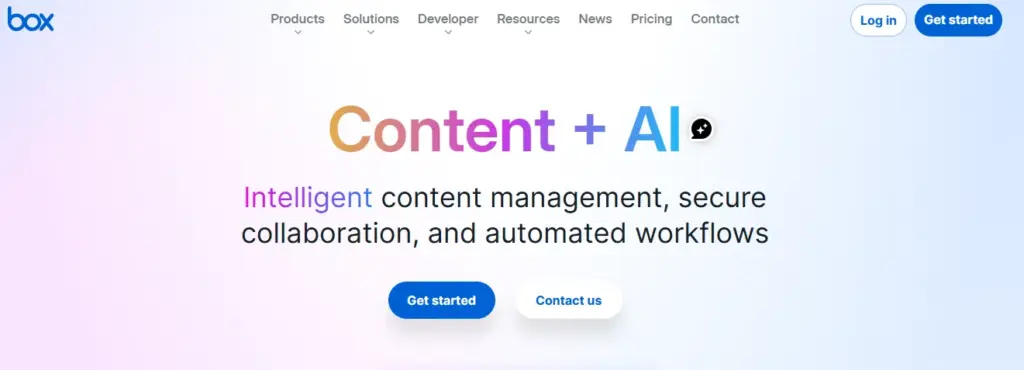
10. Box
Box is a flexible cloud document management software designed for businesses of all sizes. It supports secure file sharing, team collaboration, workflow automation, and enterprise-level security, making it a reliable digital document management system for modern organizations.
Key Features:
- Cloud storage with advanced access control
- Real-time file collaboration and version history
- Integration with tools like Slack, Google Workspace, and Zoom
- Built-in data encryption and compliance controls
Pros:
- Great for remote teams and enterprises
- Reliable security and compliance certifications
- Strong integration ecosystem
Cons:
- Cost can increase with storage usage
- Requires training for non-technical users
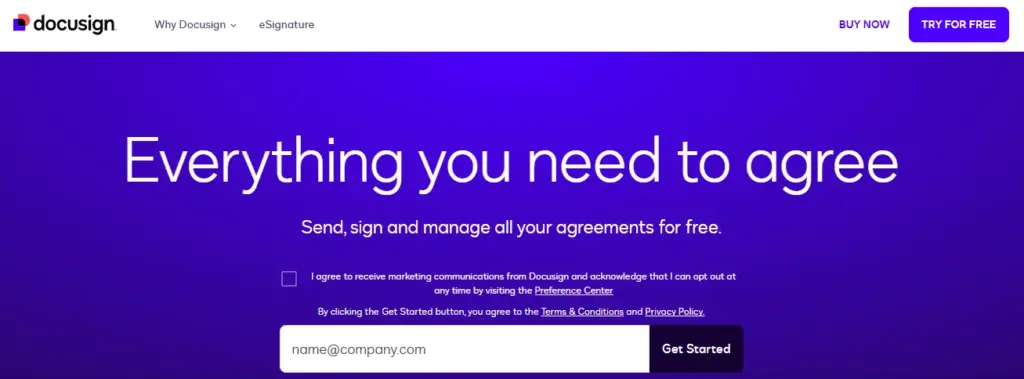
11. DocuSign
DocuSign is a trusted electronic document management system known for its secure e-signature and digital document handling capabilities. It helps businesses manage contracts, proposals, agreements, and legal paperwork efficiently while improving document security, workflow automation, and approval processes.
Key Features:
- Legally binding e-signatures for secure digital document approvals
- Reusable templates for recurring agreements and business documents
- Document tracking and version control within the document management system
- Integration with CRM platforms and cloud storage tools for seamless workflow management
Pros:
- Highly secure and legally compliant
- Saves time with quick digital signatures
- Great for contract-heavy workflows
Cons:
- Limited document storage capabilities
- Mainly focused on signing rather than managing documents
Key Features in a Document Management System
The best document management system for businesses is designed to simplify document handling, improve workflow efficiency, and strengthen data security. Whether organizations manage HR records, contracts, invoices, or company policies, the right document management system features help teams organize, access, share, and protect important files more effectively.
Some of the key features to look for in a document management system software are as follows:
1. Centralized Cloud Storage
A reliable cloud document management software provides a centralized platform to securely store, organize, and access business files. It reduces duplication and ensures teams always work on the latest document version.
2. Advanced Search and Retrieval
An efficient document management system includes advanced search functionality that helps users quickly find documents using keywords, tags, filters, or metadata, saving time and improving productivity.
3. Version Control
Version control helps businesses track document edits, maintain revision history, and restore previous versions when required. This improves transparency and accuracy in document workflows.
4. Role-Based Access Control
Modern document control software offers permission-based access, allowing only authorized users to view, edit, or share sensitive documents, ensuring better data security and confidentiality.
5. Automated Workflows
An advanced document workflow management software automates approvals, reminders, notifications, and document routing, helping businesses reduce manual work and streamline operations.
6. E-signature Integration
Many electronic document management system solutions support digital signatures, allowing employees and clients to sign documents online for faster approvals and paperless operations.
7. Compliance and Policy Management
A smart business document management software helps organizations manage compliance policies, maintain audit-ready records, and securely store legal or regulatory documents.
8. Data Security and Encryption
Most secure document management software platforms use encryption, backup systems, and multi-factor authentication to protect sensitive business data from unauthorized access.
9. Audit Trails
An effective digital document management system maintains audit logs that track document activity, including who accessed, edited, or shared files, improving accountability and transparency.
10. Integration with HRMS and Payroll Systems
Integration with HRMS, payroll, and ERP systems helps businesses streamline workflows by connecting employee records, compliance documents, attendance, and payroll data within one centralized platform.
Why is Employee Document Management System Essential for HR?
This is why an employee document management system and modern document management system have become essential for businesses looking to streamline HR operations, improve compliance, and securely manage employee records through efficient business document management software.
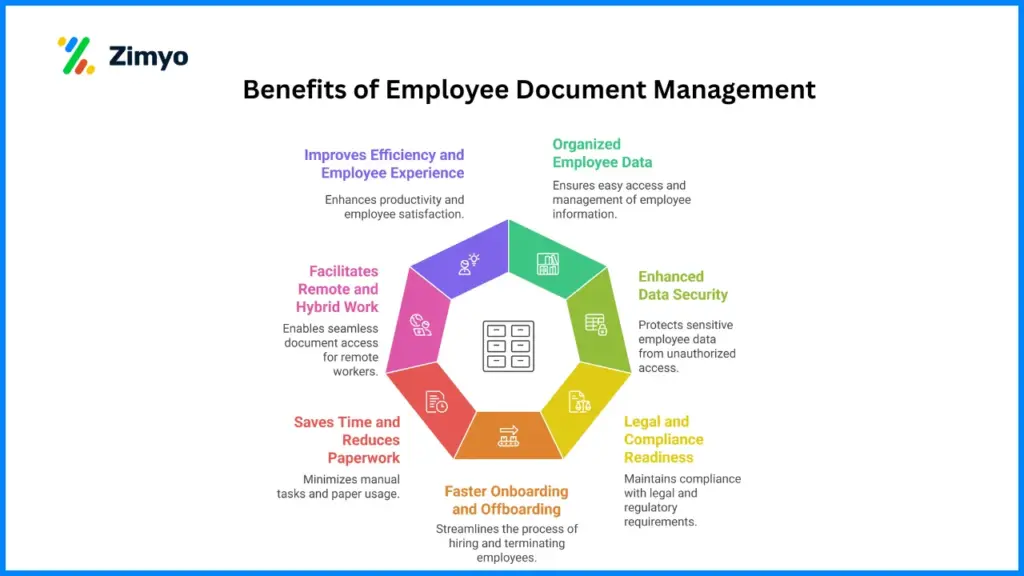
Here’s why it’s essential:
1. Organized Employee Data
With an HR system for document management, all employee documents are kept digitally organized. This makes every document -from hiring paperwork to merit letters – available with just a few clicks.
2. Enhanced Data Security
Sensitive documents such as ID proofs, salary slips, and contracts need protection. An HR document management system with role-based access and encryption protects confidential employee information.
3. Legal and Compliance Readiness
In India and worldwide, the HR department needs to adhere to labor laws, data protection laws, and audit obligations. An employee record management system makes it easier for HR departments to be audit-ready with properly organized and timestamped documents.
4. Faster Onboarding and Offboarding
New joiners can upload and sign papers online, and HR can see them immediately. Equally, in case of employee departure, document retrieval and archival is easy and swift.
5. Saves Time and Reduces Paperwork
A digital employee document management system streamlines time-consuming HR activities such as uploading documents, monitoring acknowledgments, and retrieving files, minimizing manual labor and saving precious time.
6. Facilitates Remote and Hybrid Work
Physical file management is out of the question in remote environments. Cloud-based DMS software allows HR and employees to upload, access, and share files securely from anywhere.
7. Improves Efficiency and Employee Experience
Employees no longer need to wait for HR to send or find files. With self-service access, they can view and download their own documents – creating a smoother, more transparent HR experience.
Benefits of Document Management System
A document management system has long-term advantages that extend beyond organization and storage. It facilitates collaboration, compliance, and overall workplace efficiency.
Following are some of the best benefits of having a DMS software in your company:
1. Centralized Access to Documents
All business documents – HR, finance, or legal, are kept in one safe place. Employees no longer must sort through email strings or shared drives to get what they require.
2. Less Paperwork and Expenses
Moving digital with a document management software minimizes the requirement for storage space, printing, and courier expenses. It is cost-saving and eco-friendly.
3. Improved Collaboration
Teams can collaborate on the same document, leave comments, and monitor changes in real time. This encourages teamwork and transparency.
4. Improved Compliance
With a built-in policy management tool, companies are able to monitor compliance documents, have up-to-date policies, and make sure that each alteration is accounted for and traceable.
5. Time Efficiency
Fast document retrieval, automated processes, and intelligent categorization enable teams to save time and concentrate on key business objectives.
6. Strengthened Data Security
A document archiving system protects all documents with encryption, frequent backups, and storage conforming to international data security standards.
7. Scalability
As your company expands, a document management system expands with you. It can manage larger volumes of data without affecting speed or security.
8. Business Continuity
Even if systems crash or files are accidentally deleted, a cloud-based document management system ensures data recovery with backups and version control.
9. Better Decision-Making
With all data readily available, decision-makers can access reports, compliance records, and employee information instantly helping them make informed decisions faster.
10. Audit Preparedness
A document management HR system keeps audit trails for every document change, making it easier for HR and finance teams to present clear, organized reports during audits.
How to Set Up Employee Document Management System
Setting up an employee document management system may seem like a complex task, but with the right approach, it can be done smoothly. The key is to focus on structure, security, and integration.
Here’s a step-by-step guide to help you set it up effectively:
1. Identify Your Requirements
Enumerate the types of documents your HR team deals with, onboarding documents, compliance documents, employee contracts, etc. Having knowledge of your requirements will enable you to select the best document management software.
2. Choose the Right DMS Software
Utilize a trustworthy employee document management system such as Zimyo that provides cloud storage, automation, e-signature integration, and compliance assistance.
3. Digitize All Existing Documents
Scan paper files and scan them into your DMS. Organize them with distinct naming conventions and metadata tags to be easily retrieved.
4. Establish Folder Structures
Establish systematic folders – Employee Records, Policy Documents, Payroll Files, Compliance Reports, Contracts, to make it clear.
5. Set Access Controls
Use role-based access to ensure only authorized users can view or modify documents. For instance, HR managers can access all employee data, while individual employees can only see their own files.
6. Integrate with HRMS
Integrating your DMS with your HRMS platform simplifies workflows. For example, employee details in the HRMS can automatically link to corresponding documents in the DMS.
7. Set up Workflow Automations
Automate routine work such as sending reminders for document renewals, policy approvals, and electronic acknowledgments.
8. Train Your Team
Provide training sessions for employees and HR so that everyone is aware of how to optimize the system. Simple instructions reduce confusion and enhance adoption rates.
9. Schedule Regular Backups and Audits
Maintain your document management HR system in good health by regularly backing up data, auditing, and updating software. This guarantees long-term dependability and compliance.
Conclusion
In today’s digital-first business environment, investing in the Best Document Management System for Businesses is no longer optional it has become essential for improving productivity, security, and operational efficiency. A modern document management system helps organizations securely store, organize, track, and manage documents while reducing manual paperwork and workflow delays.
From HR and finance to legal and compliance teams, businesses can benefit from advanced cloud document management software, automated workflows, and secure file-sharing capabilities. An efficient business document management software solution not only improves collaboration and compliance but also ensures quick access to important files whenever needed.
For HR teams, an employee document management system simplifies the management of employee records, onboarding documents, contracts, and compliance files while improving accuracy and employee experience. Whether businesses choose platforms like Zimyo, the right digital document management system can help streamline operations, strengthen data security, and support long-term business growth.
FAQs
What is the best employee management software?
Zimyo stands out as the best employee management software with features like payroll automation, performance tracking, attendance monitoring, and a built-in document management system.
Which is the best document management system?
Zimyo is one of the best document management systems for businesses in 2026. It offers secure storage, easy access, and efficient employee record management for HR teams.
What is the most popular DMS?
Zimyo, Zoho Docs, and DocuWare are among the most popular DMS software used by modern businesses to streamline document storage, retrieval, and compliance.
Which is the best software for documenting processes?
Zimyo is ideal for documenting HR and business processes. It helps automate document workflows, ensures version control, and supports secure data handling.