
Zimyo, Keka, and greytHR lead HR software in India for 2026, with the right choice depending on company size and compliance needs; here's our full evaluation of 20 platforms.
HR technology has evolved to become one of the most critical investments that an expanding business in India makes. Rather than managing payroll in one spreadsheet, attendance in another, and employee information in a third, a good HRMS will help manage the entire employee lifecycle through one platform which will save time and avoid mistakes.
However, the challenge is that not all HR technologies are equal, and all vendors claim to be the best in what they do. We have evaluated the top 20 HR software vendors by applying validated G2 and Software Suggest signals, India pricing, and actual user trade-offs in the areas of statutory compliance depth, pricing models, ratings, and outcomes. The global HR software market is valued at USD 34.31 billion in 2026 and projected to reach USD 89.12 billion by 2035 (11.8% CAGR), and India is one of its fastest-moving segments. This analysis reveals which platforms genuinely deliver for Indian businesses and which become expensive bottlenecks as you scale.
How We Chose These 20 Platforms?
Narrowing the field to 20
We began with 36 HR and payroll platforms actively marketed to Indian businesses, sourced from G2 and SoftwareSuggest category listings, Indian HR community recommendations, and vendor directories. Four inclusion filters brought that list down to 20.
To qualify, a platform had to:
• Function as a multi-module HRMS, not a point solution. Payroll-only, attendance-only, and ATS-only tools were excluded, as were Employer-of-Record and staffing services, which solve a different problem for a different buyer.
• Be actively sold and supported in India, meaning India-based support, an Indian reseller network, or documented Indian customers. Global platforms qualify only where Indian companies genuinely deploy them.
• Carry a verifiable user-review footprint of at least 30 verified reviews across G2 and SoftwareSuggest combined, so ratings reflect real deployments rather than a thin launch-window sample.
• Remain commercially available as of July 2026. Platforms that have been sunset, acquired and folded into another product, or left the Indian market were removed.
What we excluded, and why?
Zoho Payroll, Truein, and Vantage Circle were cut as payroll-, attendance-, or engagement-only products rather than full HRMS platforms - capable tools, but they solve one slice of the problem rather than the employee lifecycle. Gusto and Personio have no Indian entity, INR pricing, or local statutory support despite surfacing in Indian search results, and Employer-of-Record services such as Deel and Multiplier address a different buyer with a different problem. Freshteam was excluded because Freshworks stopped renewals in March 2026 and is sunsetting the product entirely by April 2027; it still appears in many 2026 listicles, but it is no longer a viable purchase. A further 8 platforms cleared the functional bar but fell below our review-volume threshold: capable products without enough verified customer evidence to rank responsibly.
How we ordered them?
Ranking is an India-first editorial judgment, not a formula. We weighted native statutory compliance and lifecycle breadth most heavily, since those decide whether a platform can actually run an Indian payroll cycle without a workaround, followed by verified user ratings, implementation burden, and pricing transparency. Where platforms were close, we favoured the one a growing Indian mid-market team could adopt without a consultant.
This is why the highest-rated HRMS software is not ranked first. HROne holds the strongest G2 score on this list and wins outright for multi-location and deskless workforces, but ratings measure how satisfied a platform's existing customers are, a self-selected group, not whether it fits your workforce shape. Segment-specific winners appear throughout this guide rather than clustering at the top.
Disclosure- This guide is published by Zimyo; rankings reflect our stated methodology.
Key Findings From Our Research
Free plans get restrictive fast
Free tiers (greytHR under 25 employees, Kredily) cover the basics but cap employees, modules, or compliance features — creating switching costs once you scale.
India compliance separates the field
Native PF/ESI/TDS handling and direct EPFO/ESIC filing are where India-built tools (greytHR, Keka, Zimyo) pull ahead of global platforms like BambooHR and Workday, which lack native Indian payroll.
Per-employee pricing rarely reflects true cost
Real first-year TCO often lands well above the headline rate once implementation, migration, training, and support tiers are added frequently 2–3x the advertised figure.
Integrated HR ecosystems are winning
Businesses increasingly prefer one platform combining ATS, onboarding, payroll, and performance over stitching point tools together which is exactly the gap all-in-one suites like Zimyo fill.
Workforce shape decides the winner
White-collar single-entity, deskless/multi-location, and large enterprise each point to a different best-fit platform. There is no universal winner only right-fit.
Quick Results: Top Picks for HR Software in India
If you need an answer fast, here's where each platform wins. Full reviews follow below.
Best Overall — Zimyo: An all-in-one HR and workforce platform for SMBs, combining payroll, compliance, attendance, performance, and recruitment in a single ecosystem — the strongest balance of depth, ease of use, and value for growing Indian teams.
Best for Growing SMBs — Zimyo and Zoho People: Easy to adopt, and quick to implement without enterprise complexity, covering the full lifecycle for small and mid-sized teams.
Best for Statutory Compliance —Zimyo and greytHR: The deepest Indian payroll compliance on the list, with direct EPFO/ESIC filing and PF/ESI/PT handling across all applicableapplicable states.
Best for Multi-Location & Manufacturing — Zimyo and HROne: Built for deskless, distributed workforces with biometric device integration, shift management with auto-rotation, and location-wise policies.
Best Enterprise HCM — Darwinbox and PeopleStrong: Enterprise-grade breadth, AI analytics, and multi-entity support for organizations above 1,500–2,000 employees.
Best for Global Teams — BambooHR: Best-in-class UX and onboarding for Indian companies with international teams or payroll run separately (no native Indian payroll).
Best Free / Freemium to Start — GreytHR, Kredily, and sumHR: genuine free or low-cost entry tiers that let startups and very small teams begin before committing to a paid plan.
Complete Comparison: Top 20 HR Software in India
Software | Rating | Pricing (Indicative) | Free Trial | Best Fit Size | Key Standout Features |
Zimyo | 4.5/5 | Quote-based; from ~₹80/user/mo | Demo | 100–500 employees | All-in-one HRMS with ATS, payroll, performance, OKRs, automation |
Keka | 4.5/5 | From ~₹9,999/month | Yes | 25–250 employees | Modern UI, OKRs, payroll, attendance, GPS tracking |
greytHR | 4.4/5 | Free under 25 employees; paid plans | Demo | Up to 500 employees | Payroll compliance, EPFO/ESIC filing, attendance |
HROne | 4.8/5 | ~₹85–180/employee/month | Demo | 100–5,000 employees | Super Inbox, workflow automation, HR analytics |
BambooHR | 4.4/5 | ~$6–$9/user/month | Demo | <500 employees | Employee experience, onboarding, reporting |
Darwinbox | 4.4/5 | Custom enterprise | Demo | 1,500+ employees | AI-powered enterprise HCM, employee experience |
Zoho People | 4.4/5 | From ~₹48/employee/month | Yes | SMB to mid-market | Zoho ecosystem integration, attendance, workflows |
PeopleStrong | 4.5/5 | Custom enterprise | Demo | 2,000+ employees | AI recruitment, payroll automation, enterprise HR |
ZingHR | 4.2/5 | Custom pricing | Demo | Enterprise | Aadhaar onboarding, geo-fencing, workforce automation |
Pocket HRMS | 4.6/5 | Custom packages | Yes | SME | AI assistant, payroll automation, tax updates |
FactoHR | 4.6/5 | Quote-based | Yes | SMB to mid-market | Payroll, selfie attendance, lifecycle management |
Qandle | 4.2/5 | From ~₹2,450/month | Yes | Mid-market | Modular HR platform, flexible workflows |
Kredily | 4.2/5 | Free plan available | Free plan | Startups & SMBs | Free HRMS, payroll, attendance management |
sumHR | 4.5/5 | From ~₹49/user/month | Free plan | Startups & SMBs | Simple HR, payroll, GPS attendance |
247HRM | 4.5/5 | Quote-based | Demo | SME | Custom workflows, employee engagement tools |
HRMantra | 3.6/5 | Custom pricing | Demo | Mid to large | Highly configurable HRMS, AI chatbot, automation |
SAP SuccessFactors | 4.1/5 | Custom enterprise | Demo | 5,000+ employees | Global enterprise HCM, compliance, analytics |
Workday HCM | 4.1/5 | Custom enterprise | Demo | Large enterprises | Unified HR and finance analytics |
Sage HR | 4.3/5 | Modular per-user | Yes | Small businesses | Lightweight HR lifecycle management |
Ramco HCM | 4.0/5 | Custom enterprise | Demo | Large enterprises | Multi-country payroll, enterprise HR |
Ratings from G2 and SoftwareSuggest as of August 2026; where a clean numeric score wasn't available we've said so. Pricing is indicative most Indian HR software is quote-based and varies by headcount and modules. Ranking uses an India-first lens: native compliance, verified ratings, ease of use, and value.
Key Features to Look For in HR Software for India
Before choosing, understand which features actually improve outcomes versus which are marketing add-ons. These are the capabilities that matter most across the platforms in this comparison:
- Indian payroll & statutory compliance: Automates PF (UAN/ECR), ESI, TDS, Form 16, and PT across all applicable states, the single highest-stakes feature for Indian companies.
- Direct EPFO/ESIC filing: Files returns directly to government portals without manual template downloads, saving hours and preventing penalty-triggering errors.
- Attendance & time tracking: Biometric, GPS, and geo-fenced clock-in for office, remote, and field teams.
- Employee self-service (ESS): Lets employees view payslips, apply for leave, and update details without HR involvement — adoption is the real ROI driver.
- Performance management: Goal-setting, OKRs, reviews, and continuous feedback in one place.
- Recruitment / ATS: Job posting, resume parsing, and candidate pipelines integrated with onboarding.
- Mobile app quality: Critical when 30%+ of your workforce is deskless or in the field.
- Integrations: Connections to Tally, Zoho Books, biometric devices, and banking APIs for salary disbursement.
Detailed Reviews: The 20 Best HR Software Platforms in India
Each review covers the rating, pricing model, best-fit company, key features, pros and cons, and an honest verdict including the trade-offs vendor websites tend to bury.
1. Zimyo
Rating: 4.5/5 (G2 Rating)
Pricing: Quote-based; Standard from ~₹80/user/mo
Best for: SMBs and Enterprise growing teams (100–500 employees) wanting the full employee lifecycle in one platform
Key Features
- 60+ modules: payroll & compliance
- attendance
- performance
- ESS portal
- recruitment (ATS)
- engagement
- onboarding/offboarding
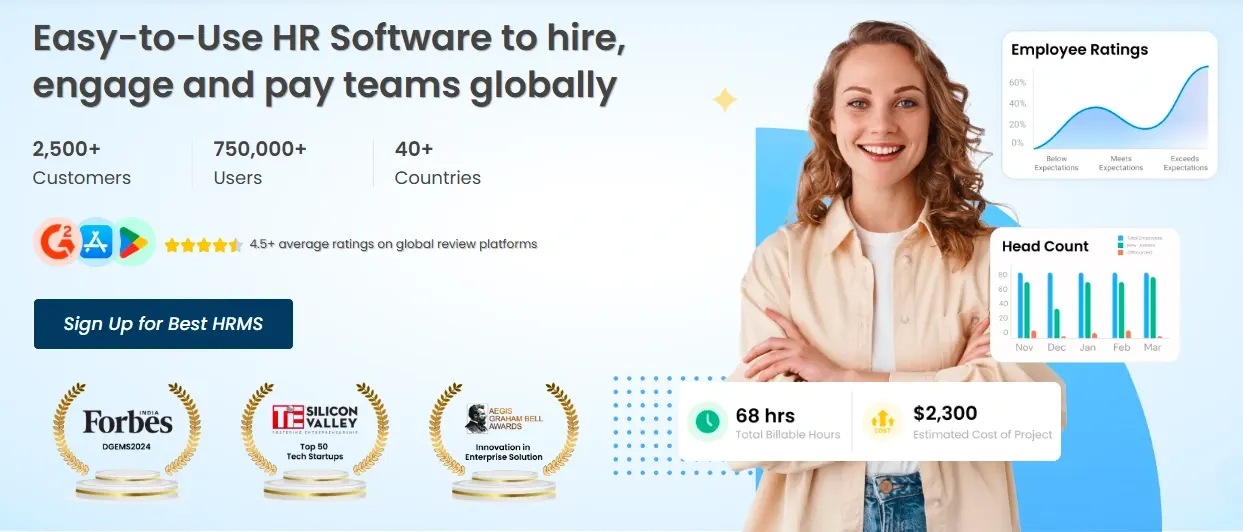
Zimyo is the platform growing Indian teams keep landing on when they want one system instead of five. It bundles payroll and statutory compliance, attendance, performance, an employee self-service portal, and an applicant tracking system across 60+ modules without the enterprise-only price tag that puts comparable suites out of reach. It's SOC 2-aligned, trusted by 2,500+ businesses, and recognized as a High Performer in Mid-Market APAC on G2. Reviewers consistently praise its ease of use, intuitive design, and hands-on relationship managers, and the mobile ESS app (punch-in, payslips, leave, tax declarations) draws specific praise.
Pros | Cons |
✓ Genuinely all-in-one, no bolt-on modules | ✗ Less global brand recognition than BambooHR |
✓ Deepest Indian statutory compliance on this list | ✗ some initial data entry is manual via Excel |
✓ strong mobile self-service | ✗ a few settings can be hard to locate at first |
✓ hands-on onboarding support |
|
✓ affordable versus comparable suites |
|
Verdict: If you're an SMB or growing team that wants the whole employee lifecycle in one affordable, easy-to-adopt platform — rather than stitching a standalone ATS onto separate payroll — Zimyo is the strongest starting point on this list. Request a quote for your headcount and compare all-in cost including setup.
2. Keka
Pros | Cons |
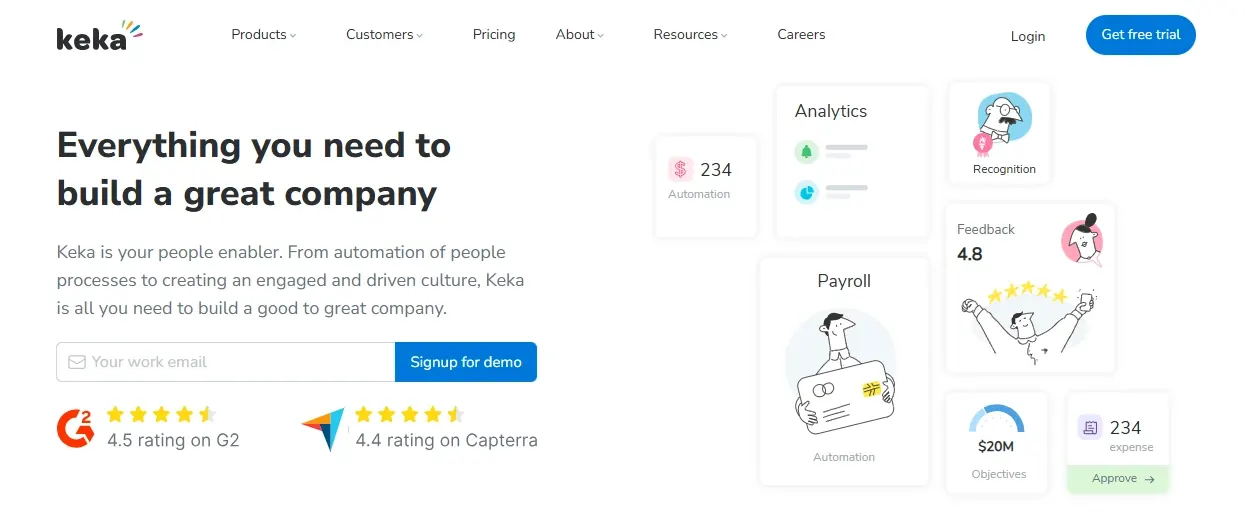
✓ Best-in-class modern UI | ✗ Support turnaround is a recurring complaint in reviews |
✓ strong Indian payroll compliance | ✗ strains past ~300 employees and multi-entity setups |
✓ excellent OKR/performance module | ✗ advanced features sit in the pricier Growth tier |
✓ great GPS attendance for field teams |
|
Verdict: A top choice for a design-conscious, single-entity mid-market company under ~250 employees. Pressure-test support response times during your trial before committing.
3. greytHR
Rating: 4.5/5 (G2 Rating)
Pricing: Custom Pricing
Best for: Operations-heavy SMEs under ~500 employees that need bulletproof payroll compliance
Key Features
- Deep Indian payroll
- direct EPFO/ESIC filing
- PF ECR
- ESI returns
- Form 16
- PT for all applicable states
- leave & attendance
- ESS
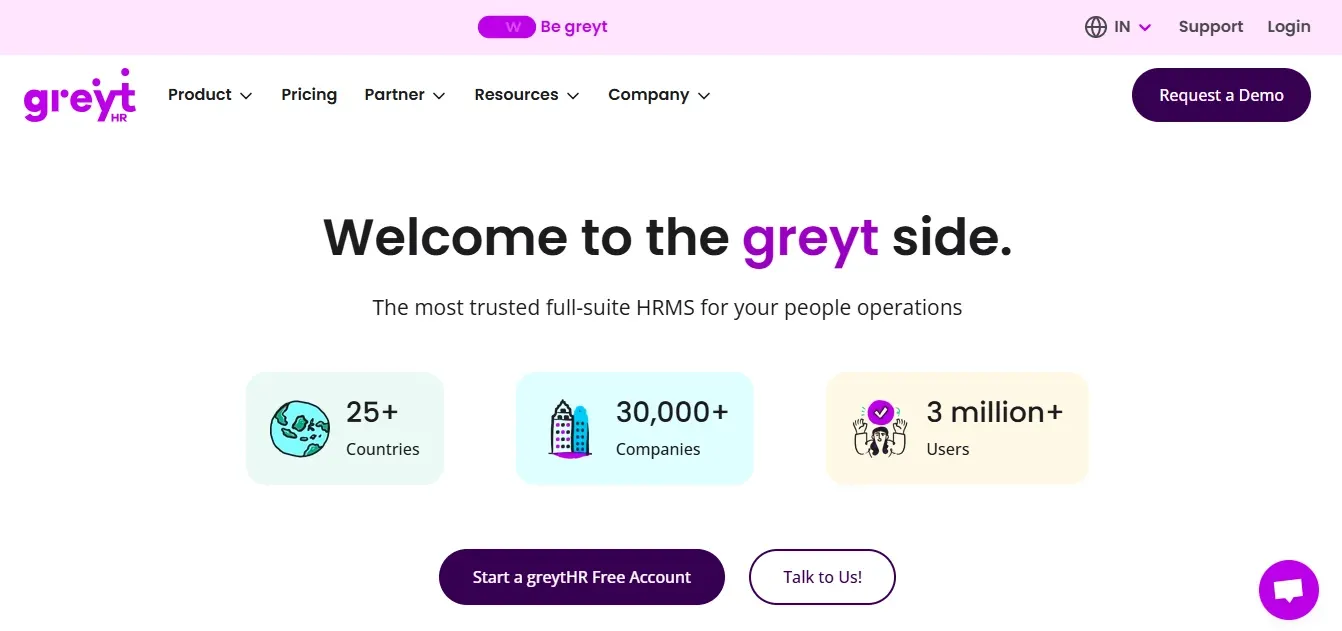
If compliance is your first worry, greytHR is the boring, reliable answer and that's a compliment. Used by 30,000+ organizations with 3M+ users, it auto-generates PF ECR, ESI returns, and Form 16, handles professional tax for all applicable states, and connects directly to the EPFO and ESIC portals so you file without manually juggling templates. For a 50+ employee company, that direct filing alone saves hours a month and prevents penalty-triggering errors.
Pros | Cons |
✓ eeasy fforr bboth HR and empHR and employeeoyees | ✗ Dated interface |
✓ direct EPFO/ESIC filing | ✗ limited workflow automation |
✓ free tier for very small teams | ✗ slower support on lower tiers (48–72 hrs) |
✓ trusted at massive scale | ✗ weakens with multi-entity or 500+ headcount |
Verdict: Buy it for month-end peace of mind if payroll and compliance are your highest-stakes need. Look elsewhere if you want a modern all-in-one HCM or deep performance management.
4. HROne
Rating: 4.8/5 (G2 Rating)
Pricing: ~₹85–180 per employee/mo, flat, with go-live billing
Best for: Manufacturing, retail chains, and companies spread across 5–50+ locations
Key Features
- Multi-location support
- 30+ biometric device integrations
- shift management with auto-rotation
- Super Inbox
- 127 pre-built workflows
- ROI Dashboard
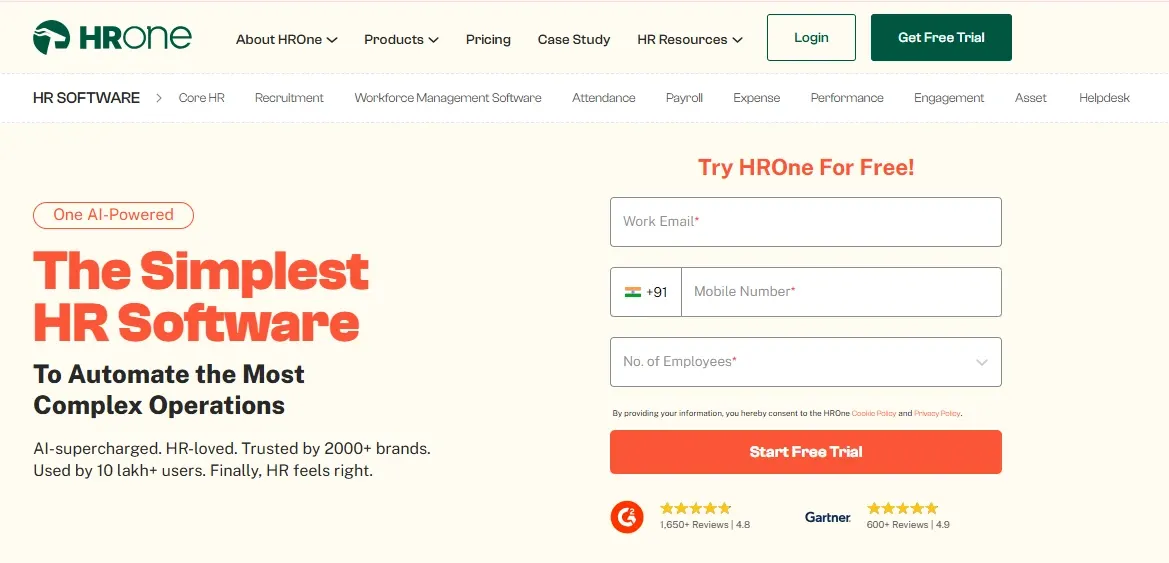
HROne comes into its own where others strain: distributed, deskless, multi-location workforces. It supports 30+ biometric devices, strong shift management with auto-rotation, and location-wise policies — which is why it's popular with manufacturers, hospitals, and retail chains. Its “Super Inbox” collapses HR tasks into three-click closures with 127 pre-built workflows, and it includes an ROI Dashboard that quantifies hours saved against HR salary cost useful for board conversations.
Pros | Cons |
✓ Excellent multi-location and shift support | ✗ UI less polished than Keka |
✓ broad biometric integration | ✗ implementation needs vendor support (2–3 weeks) |
✓ strong task automation | ✗ average mobile self-service |
✓ built-in ROI instrumentation | ✗ lighter performance management (note: much comparative HROne data is self-published) |
Verdict: The right pick when your reality is factories, field staff, or many locations that Keka and greytHR structurally under-serve. Ask for a live payroll demo with a realistic employee sample.
5. BambooHR
Rating: 4.4/5 (G2 Rating)
Pricing: Core ~$6/emp/mo, Pro ~$9/emp/mo (USD, annual billing)
Best for: Indian companies with global/international teams, or those running Indian payroll separately
Key Features
- Best-in-class UI
- ATS + onboarding workflows
- HRIS
- strong ESS
- reporting & analytics
BambooHR is the gold standard for HR software UX — clean, intuitive, with excellent onboarding workflows and employee self-service. For companies under 500 employees it scores highly on G2 for satisfaction and ease of use. It's a superb HR record-keeper and experience layer. The critical caveat for India: it has no native Indian payroll (no PF, ESI, or TDS) and prices in USD only.
Pros | Cons |
✓ Best-in-class interface and onboarding | ✗ No Indian payroll or PF/ESI/TDS compliance |
✓ strong ESS and reporting | ✗ USD-only pricing |
✓ ideal for remote/international teams | ✗ limited performance/recruitment depth |
| ✗ satisfaction dips at enterprise scale |
Verdict: Choose BambooHR for its UX only if your Indian payroll runs elsewhere or your team is global. If you need PF/ESI/TDS handled natively, pick Zimyo, Keka, or greytHR instead.
6. Darwinbox
Rating: 4.4/5 (G2 Rating)
Pricing: Custom enterprise pricing (quote-based)
Best for: Large, multi-location enterprises and conglomerates (1,500+ employees)
Key Features
- AI-powered
- mobile-first HCM
- complex org structures
- OKRs
- continuous feedback
- facial recognition
- multi-country support
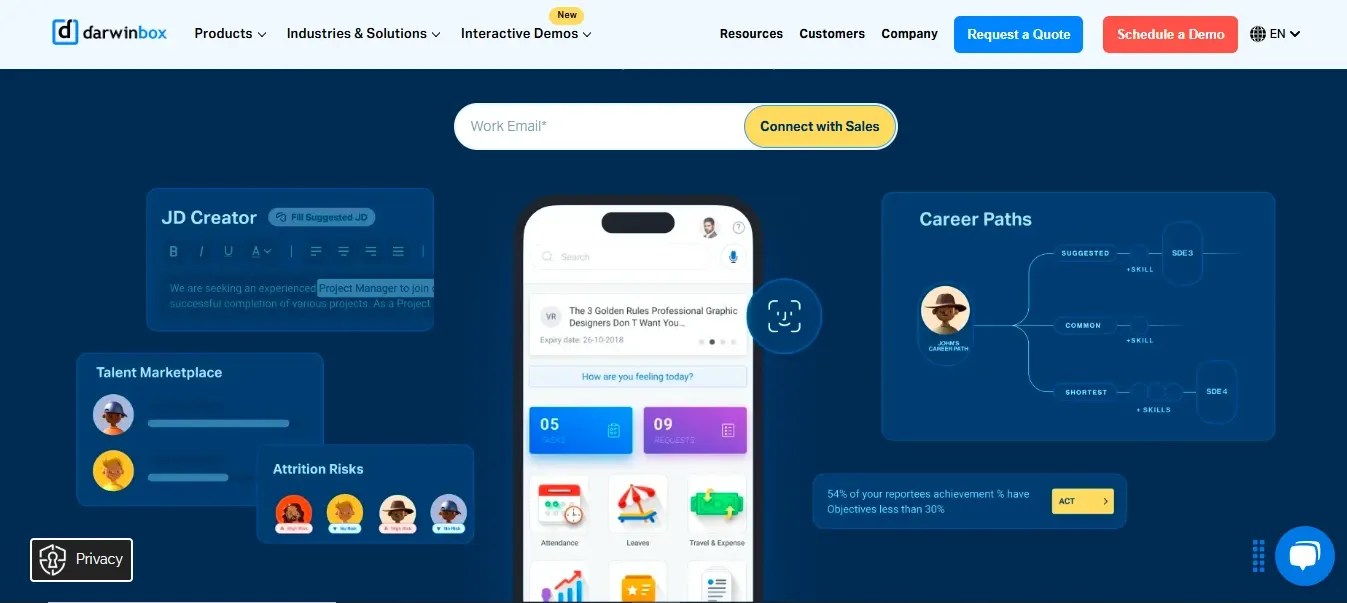
Darwinbox is India's fastest-growing enterprise HCM, used by 700+ global companies including Mahindra, Tata AIA, Adani, and Swiggy, with 2M+ users. Built for scale, it handles complex organizational structures, multi-entity and multi-country operations, AI-driven workforce analytics, and a strong mobile app. It's a Gartner Customers' Choice in APAC.
Pros | Cons |
✓ Enterprise-grade breadth | ✗ Overspecified and expensive for SMBs |
✓ strong AI insights (attrition prediction, workforce planning) | ✗ implementations can stretch for months |
✓ excellent for 500+ employees | ✗ reviewers flag occasional slow load times and inconsistent sync between modules |
✓ multi-entity and multi-country support |
|
✓ SOC 2 certified |
|
Verdict: The right choice for large, fast-scaling enterprises with complex structures or global expansion plans. Overkill for a 50–200 employee company that mainly needs payroll and leave.
7. Zoho People
Rating: 4.4/5 (G2 Rating)
Pricing: Essential Custom Based
Best for: Small to mid-sized businesses already using the Zoho ecosystem
Key Features
- Customizable HR workflows
- onboarding
- leave & attendance
- performance
- 45+ Zoho app integrations
Part of the broader Zoho suite, Zoho People offers HR management at some of the lowest per-employee pricing on this list, and integrates naturally with Zoho Books, CRM, and 45+ other Zoho apps. It's flexible and easy to adopt for standard HR needs, especially for companies already invested in Zoho.
Pros | Cons |
✓ Very low entry pricing | ✗ Payroll is a separate product (Zoho Payroll, ~₹40/emp/mo extra) |
✓ deep Zoho ecosystem integration | ✗ PF/ESI compliance less robust than greytHR |
✓ strong leave and attendance | ✗ performance and analytics are relatively shallow |
✓ good API | ✗ support can be slow |
✓ INR pricing with Indian support |
|
Verdict: Best value if you're already in the Zoho ecosystem and need affordable HR coverage. If you want the strongest native Indian payroll or an all-in-one suite, choose greytHR, Keka, or Zimyo.
8. PeopleStrong
Rating: 4.5/5 (G2 Rating)
Pricing: Custom enterprise pricing (quote-based)
Best for: Hierarchy-heavy, multi-entity Indian and APAC enterprises
Key Features
- Unified “Alt” architecture
- zero-touch payroll
- AI Co-Recruiter
- talent management
- deep modularity
PeopleStrong is an Asia-headquartered, hire-to-retire HCM built on its unified “Alt” architecture, serving 500+ enterprises and 2M+ employees and positioned as a Top 5 APAC HCM. Its strength is depth and modularity for complex, multi-entity organizations, with an AI Co-Recruiter and a zero-touch payroll engine that manages complex Indian statutory requirements at scale.
Pros | Cons |
✓ Deep modularity for complex org structures | ✗ Long implementations |
✓ strong talent management and recruitment automation | ✗ ticket-driven configuration |
✓ handles high employee volumes | ✗ billing can start on day one of purchase |
✓ APAC footprint | ✗ overkill for mid-market teams needing daily task velocity |
Verdict: A credible shortlist candidate for hierarchy-heavy Indian enterprises above 2,000 employees that value modularity over speed. A poor fit for lean mid-market teams.
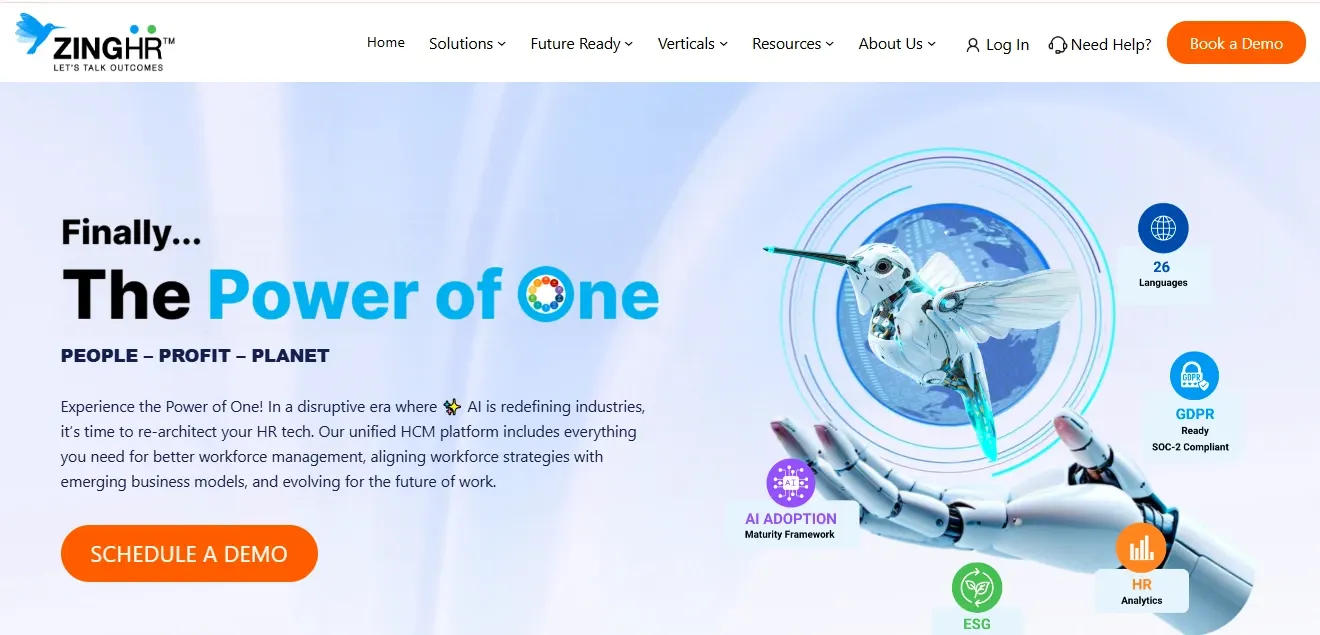
9. ZingHR
Rating: 4.2/5 (G2 Rating)
Pricing: Custom pricing (from ~₹165/emp/mo entry tiers cited)
Best for: BFSI, logistics, and manufacturing enterprises with large field or deskless teams
Key Features
- Aadhaar-based digital onboarding
- biometric & geo-fencing attendance
- industry blueprints
- e-separation
- agentic AI layer
- 30+ modules
ZingHR focuses on “outcome + automation” for distributed, field-heavy workforces. It was an early mover on Aadhaar-integrated digital onboarding in India, and its sector blueprints for BFSI, logistics, and manufacturing, plus mobile-first task scheduling and geo-fencing, make it a fit for enterprises managing frontline staff at scale.
Pros | Cons |
✓ Strong for deskless/field workforces | ✗ Implementation needs expert consultation |
✓ geo-fencing and biometric attendance | ✗ some advanced modules require training |
✓ industry-specific blueprints | ✗ customization more limited than legacy on-premise HRMS |
✓ multi-state and multi-geography compliance |
|
Verdict: A strong enterprise pick when your workforce is largely frontline or deskless across sectors like BFSI, logistics, and manufacturing. Less suited to small office-based teams.
10. Pocket HRMS
Rating: 4.6/5 (G2 Rating)
Pricing: Custom packages (e.g. ~₹6,999/mo for first 100 employees cited)
Best for: SMEs wanting cloud HR + payroll with an AI assistant
Key Features
- AI chatbot (smHRty/Smita)
- smHRt payroll with automatic tax updates
- mobile-first ESS
- configurable fields
- asset info
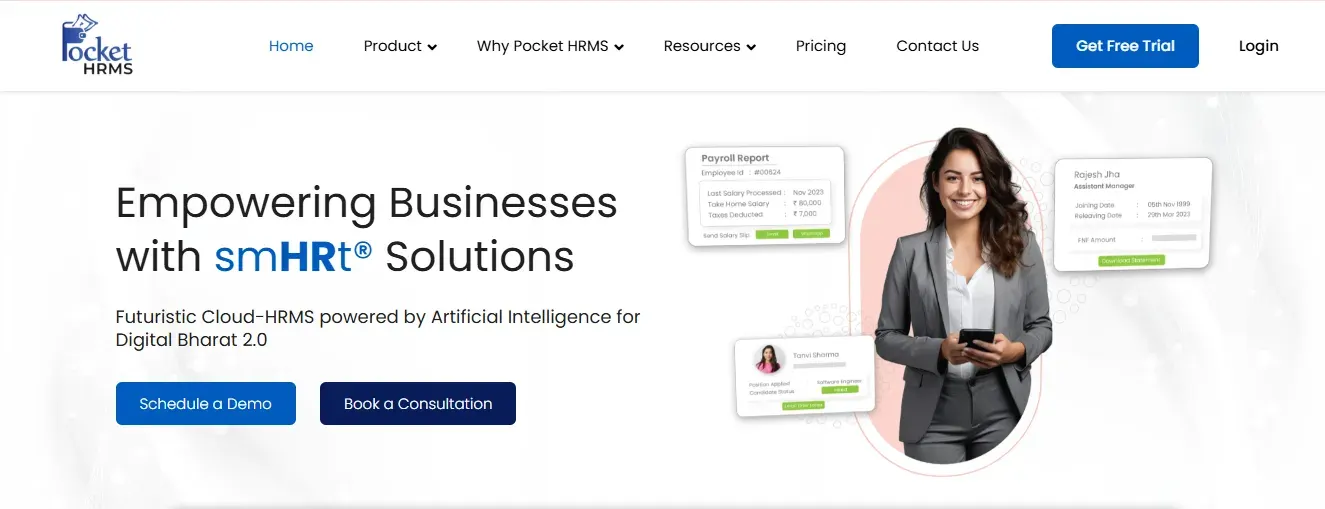
Pocket HRMS brings an AI assistant (Smita) to routine HR queries and pairs it with “smHRt” payroll that auto-updates tax and compliance based on the latest Indian budget changes. It's a practical cloud HR + payroll option for smaller teams that want simplicity plus a bit of AI, with strong mobile-first features.
Pros | Cons |
✓ AI virtual assistant for employee queries | ✗ Fewer advanced/enterprise features |
✓ automatic statutory/tax updates | ✗ analytics less deep than larger platforms |
✓ easy mobile-first experience | ✗ customization is moderate |
✓ good fit for SMEs |
|
Verdict: A good SME choice if you want cloud HR and payroll with a helpful AI layer and minimal setup. Larger enterprises will need something deeper.
11. FactoHR
Rating: 4.6/5 (G2 Rating)
Pricing: quote-based
Best for: Manufacturing, field forces, and mid-sized companies needing reliable mobile payroll
Key Features
- Selfie/touchless attendance
- geo-fencing
- retirement ledger (gratuity/PF/superannuation)
- loan & advance workflows
- mobile appraisals
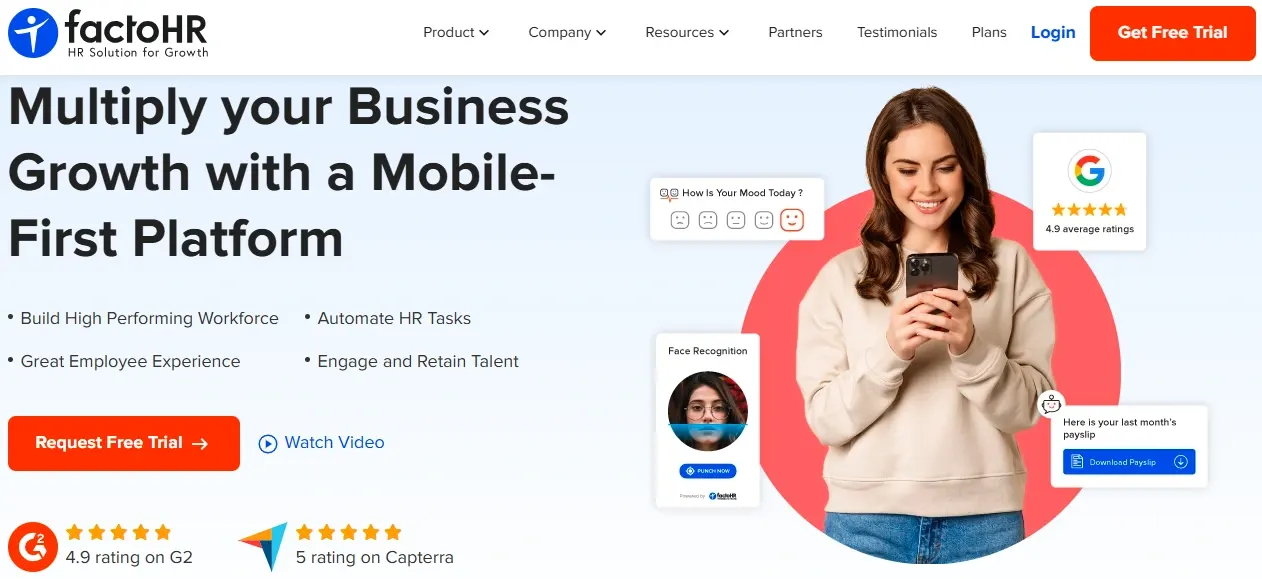
FactoHR emphasizes the “retire” end of hire-to-retire, with strong handling of retirement benefits, gratuity, loans, and advances, plus a mobile app with “selfie attendance” popular with distributed field forces. With 3,500+ clients, its reliable, compliant payroll engine suits SMBs and mid-sized companies that lean on mobile workflows.
Pros | Cons |
✓ Excellent mobile-first workflows | ✗ Fewer AI-driven features |
✓ contactless/selfie attendance with geo-fencing | ✗ pricing requires a sales conversation for exact numbers |
✓ strong retirement and statutory ledger | ✗ best fit is mid-market rather than large enterprise |
✓ reliable payroll |
|
Verdict: A dependable pick for asset-heavy or field-based Indian companies that want mobile-first attendance and solid payroll. Evaluate the demo before committing to pricing.
12. Qandle
Rating: 4.2/5 (G2 Rating)
Pricing: From ~₹2,450–2,500/mo (up to 50 emp);
Best for: Mid-sized teams wanting modular, configurable HR without overspending
Key Features
- Modular architecture
- on/offboarding
- time tracking
- compliant payroll
- OKR goals
- “Qanbot” AI chatbot
- configurable leave policies
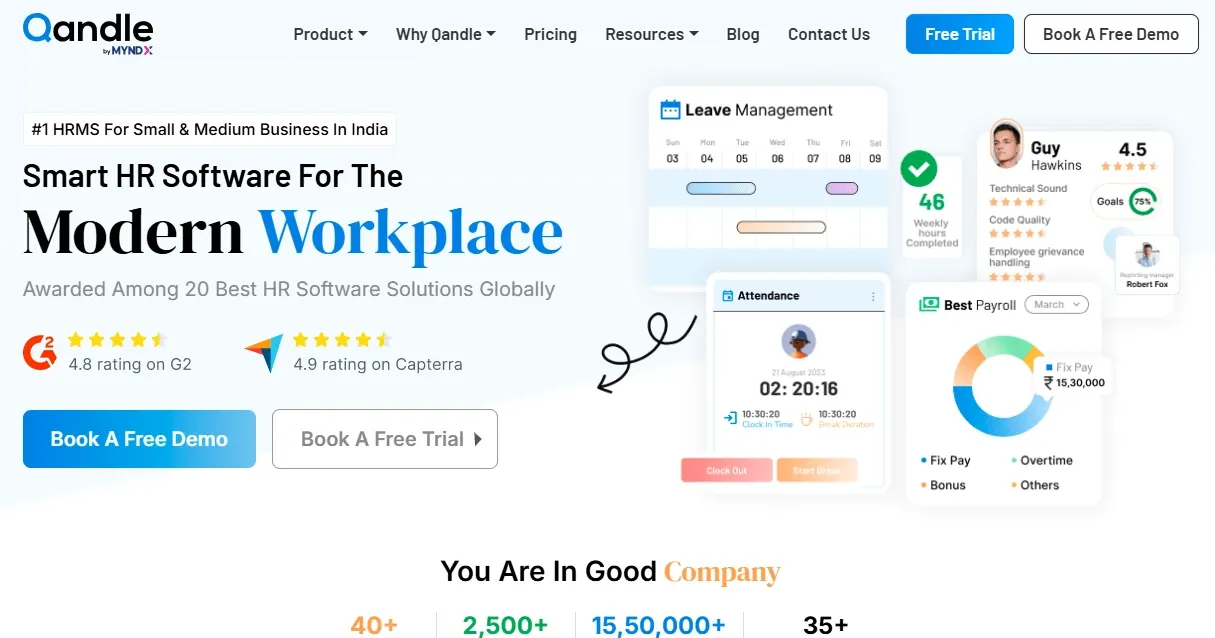
Qandle is a Gurgaon-based cloud HR platform built around modularity — you pick only the modules you need and scale up later, which helps control cost. With 2,500+ clients and a clean, clutter-free interface plus the “Qanbot” chatbot, it appeals to SMBs that want configurability and alignment with their own HR policies without heavy training.
Pros | Cons |
✓ Modular — pay only for what you use | ✗ Some specialized modules (timesheet, roster) are paid add-ons |
✓ clean, easy-to-navigate UI | ✗ fewer integrations |
✓ strong self-service | ✗ analytics depth trails platforms built for 1,000+ employees |
✓ good automation |
|
✓ configurable to company policy |
|
Verdict: A smart choice for customization-minded SMBs that want a modular, affordable, easy-to-use HRMS. Larger enterprises with deep analytics needs should look higher up the list.
13. Kredily
Rating: 4.2/5 (G2 Rating)
Pricing: Free plan available
Best for: Startups and budget-conscious small teams
Key Features
- Employee data
- attendance
- leave
- payroll
- compliance
- plus built-in chat and video features
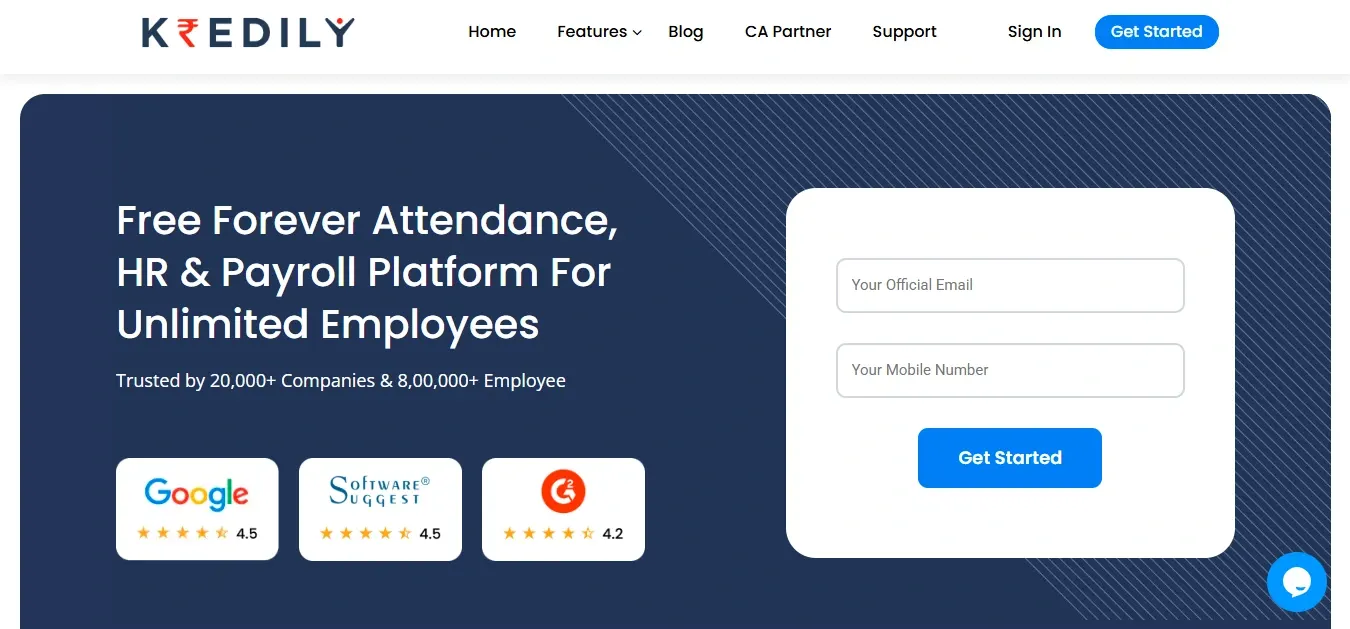
Kredily is the go-to when budget is the primary constraint. Its free plan covers core employee management, attendance, and payroll, making it a decent starting point for startups moving off spreadsheets. It also bundles basic chat and video collaboration, though it lacks the advanced features larger companies need.
Pros | Cons |
✓ Genuinely free entry tier | ✗ Limited customization |
✓ covers payroll and attendance basics | ✗ fewer advanced modules |
✓ simple to start | ✗ better as a starter tool than a long-term enterprise platform |
✓ good compliance features for the price |
|
Verdict: The best free starting point for startups and very small teams. Plan to migrate to a deeper platform as headcount and complexity grow.
14. sumHR
Rating: 4.5/5 (G2 Rating)
Pricing: From ~₹49/emp/mo (cited); free plan to start
Best for: Startups and SMEs wanting straightforward payroll and attendance
Key Features
- Comprehensive HRIS
- approval workflows
- GPS and biometric clock-in
- web attendance
- online Indian payroll
- MIS reports
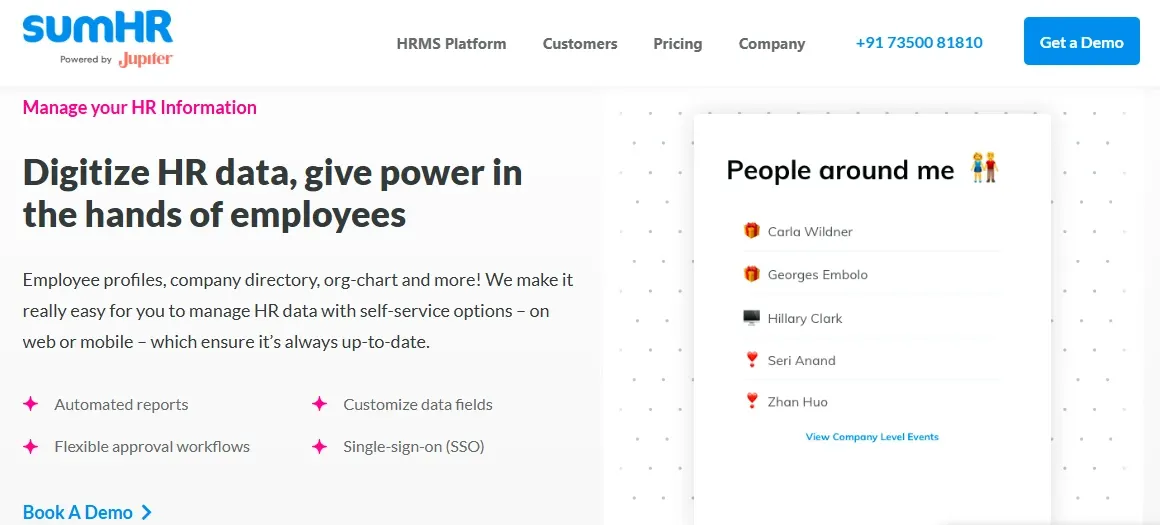
sumHR is a clean, easy-to-use cloud HRMS aimed at startups and SMEs moving away from manual HR. It handles payroll and attendance (via biometric, GPS, or web), approval workflows, and basic reporting, with a free plan to trial before committing. It's straightforward rather than feature-heavy — which is the point.
Pros | Cons |
✓ Simple and delightful to use | ✗ Mostly suited to smaller teams |
✓ flexible attendance (GPS/biometric/web) | ✗ lighter on advanced/enterprise features |
✓ online Indian payroll | ✗ analytics are basic |
✓ free plan to start |
|
✓ good for small teams |
|
Verdict: A good fit for startups and SMEs that want a simple, affordable HRMS for the essentials. Larger or more complex organizations will outgrow it.
15. 247HRM
Rating: 4.5/5 (G2 Rating)
Pricing: Quote-based / tiered (contact vendor)
Best for: SMEs wanting a flexible, automation-friendly HRMS
Key Features
- Recruitment & onboarding
- absence & leave
- employee records
- performance management
- eNPS satisfaction
- document management
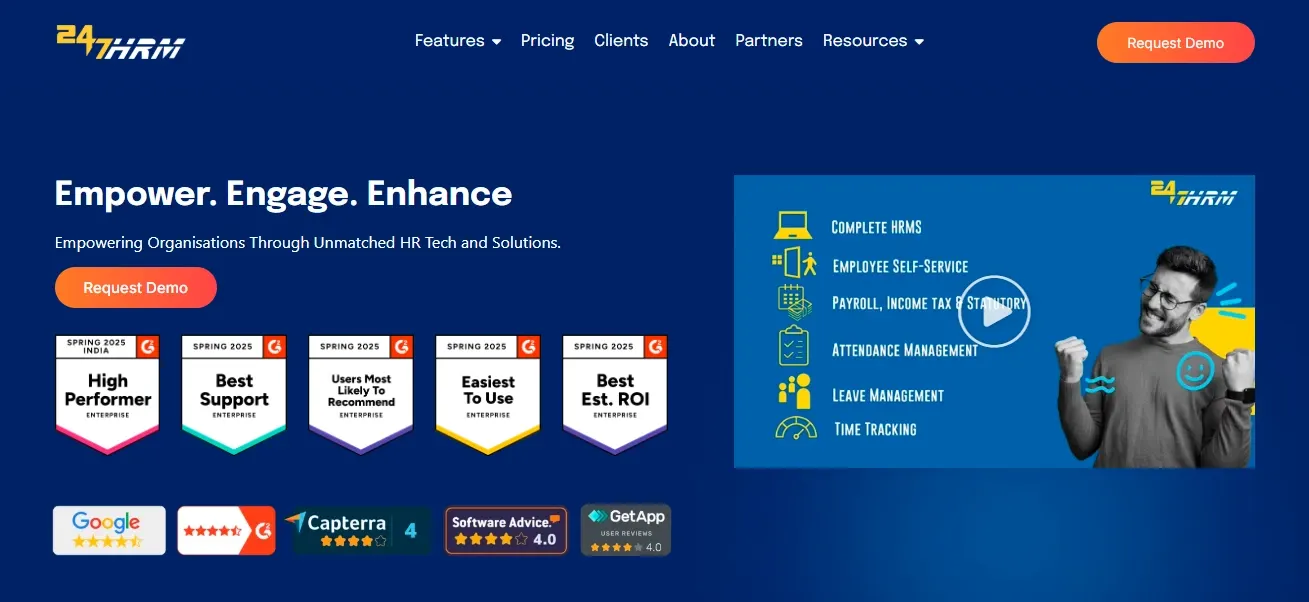
247HRM brings hiring, reviews, leave, and records into one flexible system, with enough configurability to suit different team structures. Parts of the workflow can be automated, and built-in eNPS gives a rough read on employee sentiment useful for SMEs wanting more organization than manual processes without heavy complexity.
Pros | Cons |
✓ Flexible for varied team setups | ✗ Less brand recognition than larger players |
✓ useful automation | ✗ depth of reporting and analytics is moderate |
✓ eNPS sentiment tracking | ✗ best suited to SMEs |
✓ solid document management |
|
Verdict: Worth a look for SMEs that want a flexible, automation-friendly HRMS with built-in sentiment tracking. Evaluate against Keka and Zimyo for feature depth.
16. HRMantra
Rating: 3.6/5 (G2 Rating)
Pricing: Quote-based (contact vendor)
Best for: Mid-to-large teams with complex HR rules and workflows
Key Features
- HRIS
- payroll compliance
- shift management
- online psychometric tests
- voicebot
- multi-language support
- exits
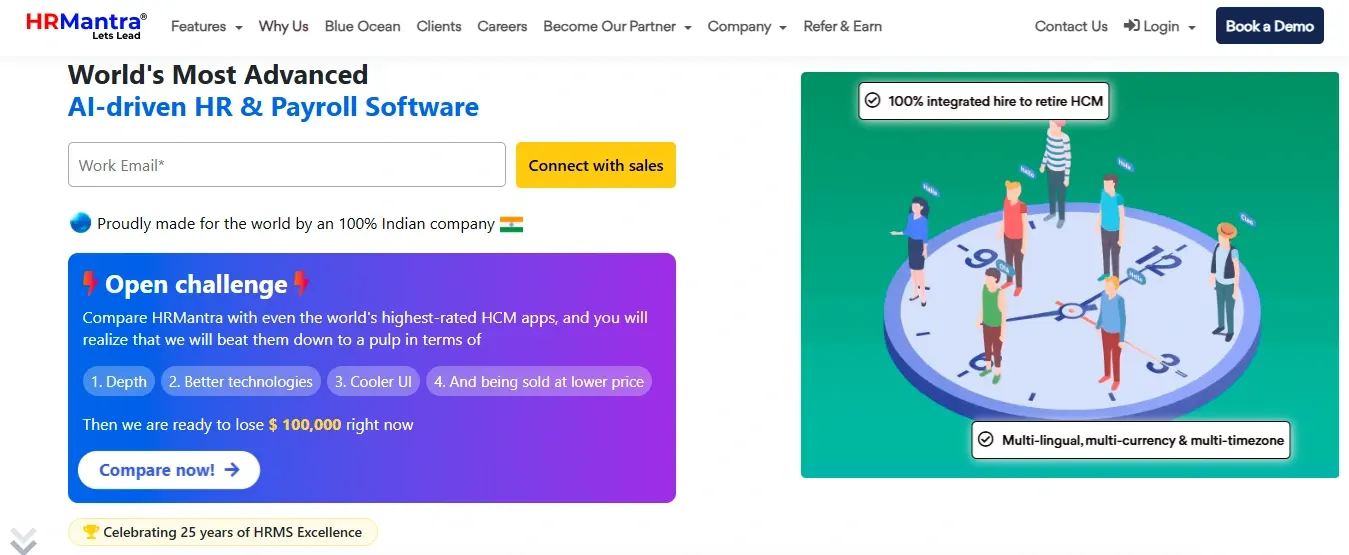
HRMantra is built for organizations with extensive, complicated HR rules — its configurability is a standout, adapting to complex workflows without friction. With 25+ years in the market, it covers payroll, attendance, hiring, and performance, and adds niche features like psychometric tests and a voicebot, though not every team uses them.
Pros | Cons |
✓ Extremely configurable for complex rule sets | ✗ Setup can take time given the configurability |
✓ long track record | ✗ interface feels less modern |
✓ broad feature coverage | ✗ niche features may go unused |
✓ multi-language and voicebot options |
|
Verdict: A strong fit if your HR structure is genuinely complex and rule-heavy and you need deep configurability. Simpler teams will find it more than they need.
17. SAP SuccessFactors
Rating: 4.1/5 (G2 Rating)
Pricing: Custom enterprise pricing (quote-based)
Best for: Large, global enterprises (5,000+ employees) with multi-country operations
Key Features
- Full HCM suite
- multi-region payroll and compliance
- deep customization
- talent and learning management
SAP SuccessFactors is a global enterprise HCM built for large, multi-country organizations. Its strength is handling payroll and compliance across regions and supporting highly complex, customizable HR processes at scale. It's powerful but heavy — more than most Indian mid-market companies need, and it takes time to implement.
Pros | Cons |
✓ Deep global HCM capability | ✗ Complex and expensive |
✓ multi-region payroll and compliance | ✗ long implementation |
✓ extensive customization | ✗ overkill for SMBs and most Indian mid-market |
✓ strong talent and learning modules | ✗ steep learning curve |
Verdict: The right choice for large multinationals with deep budgets and global operations. Indian SMBs and mid-market teams are better served by India-tuned platforms above.
18. Workday HCM
Rating: 4.1/5 (G2 Rating)
Pricing: Custom enterprise pricing (quote-based)
Best for: Large global enterprises prioritizing analytics and unified finance + HR
Key Features
- Unified HCM + finance
- advanced workforce analytics
- talent management
- global compliance
Workday HCM is a leading global enterprise platform, especially strong where HR and finance sit on one system and where advanced workforce analytics matter. Like SAP SuccessFactors, it's built for very large organizations and global workforces rather than the Indian SMB or mid-market segment.
Pros | Cons |
✓ Powerful unified HR + finance | ✗ Enterprise pricing and complexity |
✓ best-in-class analytics | ✗ long implementation |
✓ strong for very large global workforces | ✗ limited India-SMB relevance |
✓ robust talent management | ✗ requires dedicated admin resources |
Verdict: Excellent for large global enterprises that want unified finance and HR with deep analytics. Not aimed at Indian SMBs or the price-sensitive mid-market.
19. Sage HR
Rating: 4.3/5 (G2 Rating)
Pricing: Modular per-employee pricing (cited up to ~₹550/emp/mo at higher tiers)
Best for: Startups and small teams wanting a simple employee-lifecycle tool
Key Features
- Employee lifecycle management
- document & asset management
- bonuses/loans/advances
- basic training
- leave
Sage HR is a lightweight, easy-to-use option focused on the employee lifecycle — onboarding, leave, documents, and day-to-day HR. It's quick to set up and popular with startups in tech and finance that want something simple rather than a heavy enterprise suite, though it's not built for very large organizations.
Pros | Cons |
✓ Simple and quick to set up | ✗ Higher tiers get pricey per employee |
✓ clean employee-lifecycle management | ✗ lighter on deep Indian payroll/compliance |
✓ good document and asset handling | ✗ not built for large enterprises |
✓ suits small teams |
|
Verdict: A tidy choice for small tech or finance teams that want simple, modular HR. Companies needing deep Indian payroll should pair it carefully or choose an India-first platform.
20. Ramco Systems HCM
Rating: 4/5 (G2 Rating)
Pricing: Custom enterprise pricing (quote-based)
Best for: Larger organizations in banking, manufacturing, and other structured sectors
Key Features
- HR and payroll
- multi-country payroll
- asset management
- attendance
- face-based and voice attendance options
Ramco HCM is a cloud HR and payroll platform used mainly in structured, compliance-heavy industries like banking and manufacturing. It brings HR and payroll together with multi-country payroll capability and newer features like face-based and voice attendance, making it a fit for larger, process-driven organizations rather than small setups.
Pros | Cons |
✓ Strong multi-country payroll | ✗ More than small teams need |
✓ suited to structured, regulated industries | ✗ implementation and configuration take time |
✓ consolidates HR and payroll | ✗ newer features' adoption varies |
✓ enterprise-grade |
|
Verdict: A solid enterprise option for banking, manufacturing, and other structured sectors that need robust multi-country payroll. Overkill for small and mid-market teams.
How to Choose the Best HR Software in India for Your Business
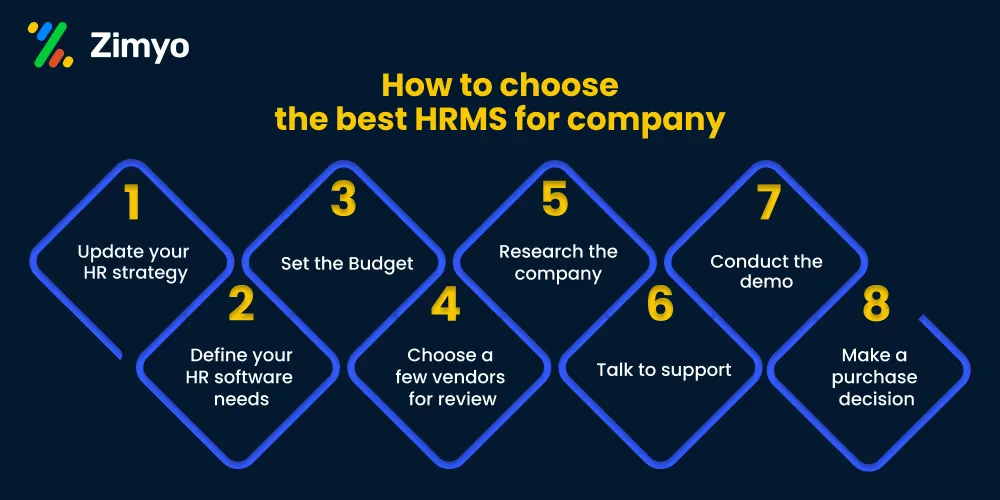
The choice of HR software does not depend on the comparison of the most extensive list of features since most companies use just a small part of all the functionalities that exist on the market. It is essential to consider three key aspects that define the choice of an appropriate solution compliance accuracy, workforce match, and migration flexibility.
Companies, for which payroll compliance, PF, and ESI accuracy are top priorities, should give them the biggest priority while choosing HR software. The correct software also needs to be matched with your specific workforce it can be either single-location white-collar workforces, deskless workforces, enterprises' setup, or global workforces.
While making a final decision on the HR software, pay close attention to such aspects as migration policy, data export abilities, ability to integrate with other software (Tally or Zoho Books), biometric devices compatibility, and possibility of vendor lock-in.
Of course, the most important step before signing a contract with the HR software provider is testing its performance in real work conditions do not rely only on the product demo; conduct payroll cycle with actual salary structures, biometric synchronization, and import of sample employee data.
Key Steps to Choose the Best HR Software for Your Business
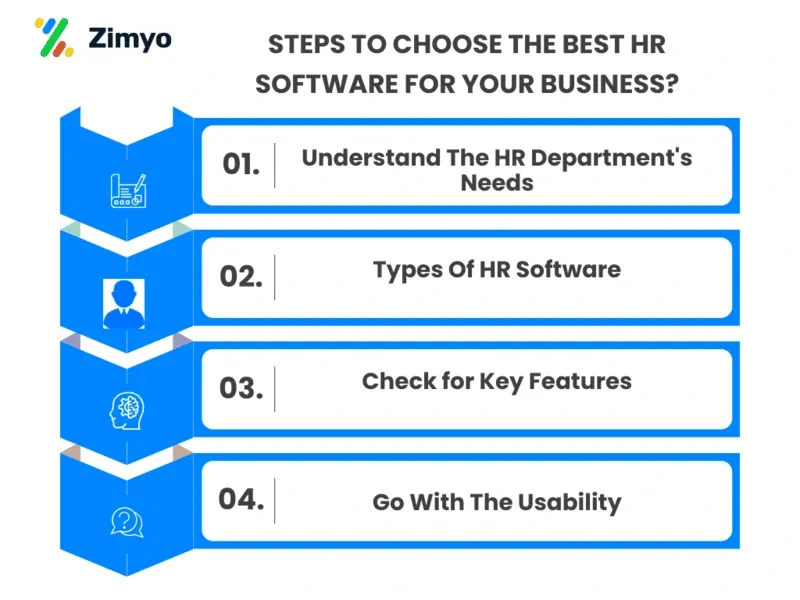
Picking HR software sounds simple at first, but once you start comparing different tools, it gets confusing very quickly. Every software offers something different, so businesses usually end up spending a lot of time figuring out what will actually work for their team.
Instead of choosing in a hurry, it’s better to look at a few important things first. These steps can help businesses avoid common mistakes while selecting the right HR software.
Indian Statutory Compliance: What Your HR Software Must Handle
This is the section that decides real financial risk for Indian companies. Whatever you shortlist should automate:
- PF with UAN/ECR generation: Provident Fund computation and electronic challan-cum-return filing.
- ESI returns: Employee State Insurance calculation and returns for eligible employees.
- TDS and Form 16/24Q: Tax deduction at source with quarterly returns and annual Form 16.
- Professional Tax (all 28 states): State-specific PT rates that change when employees relocate.
- Gratuity and full-and-final settlement: Statutory gratuity and FFS within the Code on Wages timelines.
- Direct EPFO/ESIC portal filing: Files without the manual template-download-and-upload cycle that causes errors.
There are two 2026 challenges that make it difficult for an HRMS to meet up. The Code on Wages, 2019 defines wages, working hours, and eligibility for gratuity (under the Code on Social Security, 2020) differently, while the Digital Personal Data Protection Act, 2023 (DPDP Act) introduces the need for consent, data minimization, and reporting of breaches on any system that stores employee information. In this scenario, the question is whether the software can adjust statutory laws without having to write a development ticket. Otherwise, you will be paying dearly for this every quarter.
Pricing Model Math: What HR Software Really Costs in India
The advertised per-employee rate is rarely the total cost. Indian HR software is priced three ways, and the true first-year spend includes far more than the subscription:
Pricing model | Example | What to watch |
Per-employee-per-month | HROne ~₹85–180; Zoho People from ~₹48 | Scales linearly — model it at your real headcount |
Bundled tiers | Keka from ₹9,999/mo (first 100 emp) | Flat fee whether you have 10 or 99 in the band |
Quote-based | Zimyo, Darwinbox, PeopleStrong | Get all-in cost including setup and integration in writing |
Free / freemium | greytHR (≤25 emp); Kredily | Caps on employees, modules, or compliance features |
Hidden-cost reality: implementation and data migration can run ₹1.5–4 lakh for a mid-market switch, plus training and premium-support tiers. Run the full-year math (rate × headcount × 12) + implementation + migration + training + dual-running months and compare it against your current fully-loaded HR admin cost, including staff hours, before signing.
Implementation Reality: What Rollout Actually Looks Like
Most vendors claim setup takes “days.” For a company migrating from spreadsheets or a legacy tool, here's a more realistic timeline:
Phase | What's actually involved |
Week 1–2: Data audit | Clean employee, salary, and attendance data; decide what to migrate |
Week 2–4: Configuration | Set up salary structures, leave policies, approval workflows, statutory rules |
Week 3–6: Integrations | Connect Tally/Zoho Books, biometric devices, and banking APIs |
Week 4–6: Training | Structured training for HR and employees not just a login link |
Week 6–8: Parallel run | Run one full payroll cycle alongside the old process before go-live |
Implementation failure is almost always a people problem, not a technology one. The biggest predictor of success is designating one internal “HRMS champion” with the time and motivation to own the transition. If that person is overloaded or leaving soon, delay the purchase until that changes.
The ROI of HR Software for Indian Businesses
The case rests on three value drivers, and most articles mention only the first:
1. HR time savings
Payroll that took a 5-day manual cycle can drop to hours on an automated engine cu, cutting processing time 70% and the cycle from 7 days to 2. Multiply reclaimed HR hours by loaded salary, and most subscriptions pay for themselves quickly.
2. Compliance risk avoidance
A single PF or ESI miscalculation can trigger penalties that dwarf a year's subscription. Automated statutory filing and audit trails are cheaper than the risk of getting it wrong SHRM data suggests automation cuts payroll errors by around 80% and compliance penalties by up to 90% versus manual processing.
3. Retention and employee experience
Self-service adoption and on-time, accurate payroll directly affect trust with nearly half of employees weighing an exit after repeated payroll mistakes, a reliable HRMS is a retention tool, not just an admin one.
However, the selection of HR software is not merely about software; it has direct ramifications on the accuracy of payroll, the risk of compliance, and the amount of administrative time spent by your HR department compared to people management. The ideal solution for the majority of companies operating in India is to ensure that the solution you choose fits into the number of employees and their profile in terms of compliance. An all-in-one affordable package like Zimyo suits the growing SMBs perfectly.
What is the most popular HR software?
There's no single winner — it depends on segment. In India, greytHR is among the most widely used (30,000+ organizations) for payroll and compliance depth, while Keka is the fastest-growing modern HRMS (8,500+ companies) for the mid-market. Zimyo is a popular all-in-one choice for SMBs, Darwinbox leads the large-enterprise segment, and BambooHR is a global favorite for HR UX. For a growing Indian SMB wanting one affordable platform across the lifecycle, Zimyo is a strong pick; for compliance-first buyers, greytHR; for modern UI in the mid-market, Keka.
How much does HR software cost in India?
For most SMBs, expect roughly ₹50–300 per employee per month depending on features and tier, though models vary: PEPM (HROne ~₹85–180, Zoho People from ~₹48), bundled tiers (Keka from ₹9,999/mo for the first 100 employees), quote-based (Zimyo, Darwinbox, PeopleStrong), or free for very small teams (greytHR Starter under 25 employees; Kredily). Remember the real first-year cost includes implementation, migration, training, and often a support-tier upgrade — typically pushing total cost meaningfully above the headline rate.
Is cloud-based or on-premise HR software better for India?
For the large majority of Indian businesses, cloud-based is the better choice. Nearly all the leading platforms here Zimyo, Keka, greytHR, HROne, Zoho People are cloud-native, which means automatic statutory updates when PF/ESI/PT rules change, access from anywhere (essential for multi-location and remote teams), lower upfront cost, and no server maintenance. On-premise is now mostly limited to very large enterprises or sectors with strict data-residency mandates. With the DPDP Act, 2023 in force, ask any cloud vendor where employee data is stored and how they handle consent and breach reporting.
What are the top 5 HR software companies in India?
Based on verified ratings, India-specific capability, and fit, five stand out Zimyo (best all-in-one suite for growing SMBs), Keka (best modern UI for the mid-market), greytHR (best statutory compliance), HROne (best for multi-location and manufacturing), and Darwinbox (best enterprise HCM). BambooHR ranks highly globally for UX but notably lacks native Indian payroll, so it fits only companies running payroll separately or with global teams.
What is the average price of HR software per employee in India?
On average, Indian HR software runs roughly ₹50–300 per employee per month, with most SMB-focused platforms clustering in the ₹85–200 band. Entry tiers can be far lower (Zoho People from ~₹48/emp/mo; greytHR free under 25 employees; Kredily free), while enterprise plans (Darwinbox, PeopleStrong, ZingHR) run higher and are custom-quoted. Because many vendors bundle the first 50–100 employees into a flat fee or quote by headcount and modules, calculate your effective per-employee cost at your actual team size rather than trusting the advertised starting rate.