
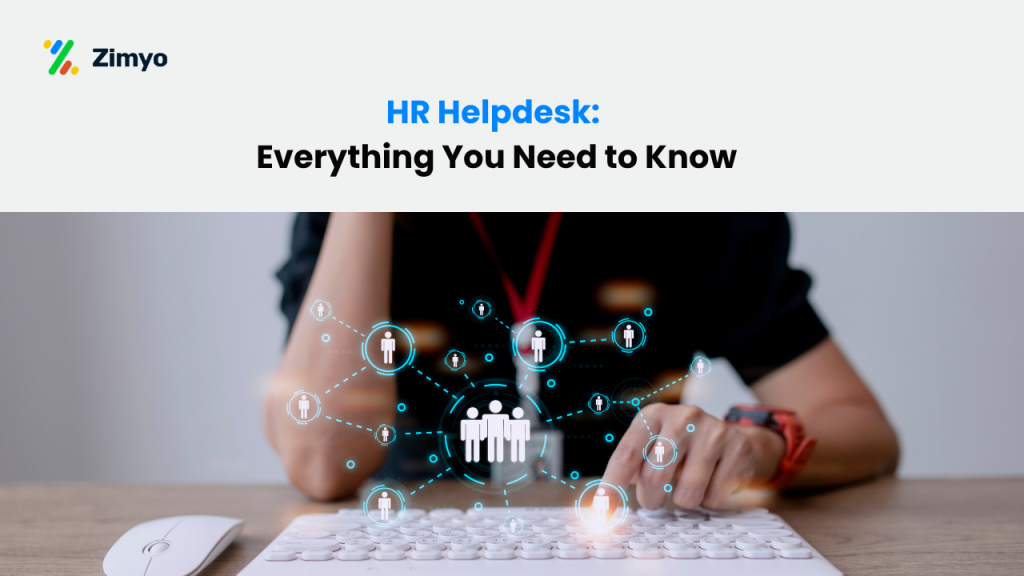

In most companies today, employees don’t want to wait long to get answers to simple HR questions. Whether it’s about salary, leave balance, policies, or benefits, people usually expect quick responses. This is where an HR Helpdesk System starts to make a difference.
Instead of emails getting lost or messages going back and forth, many teams now use an HR helpdesk software or HR ticketing system to manage employee queries in one place. It works like a central point where requests can be raised, tracked, and resolved without confusion. Over time, this also helps HR teams stay more organised and avoid missing important requests.
For growing companies, having a proper HR support system or even a basic employee helpdesk system is becoming more common. It not only improves response time but also makes communication clearer between employees and HR teams.
In simple terms, an HR helpdesk is no longer just an extra feature. For many businesses, it has become a regular part of how HR work is managed on a daily basis.
Core Functions of an HR Helpdesk
An HR helpdesk is not just about replying to emails. In most companies, it’s used to handle employee questions and requests in a more organised way, so things don’t get missed. When everything is managed in one place, it becomes easier for HR teams to keep track of what’s pending and what’s already done.
Here’s what it usually helps with:
1. Employee query management
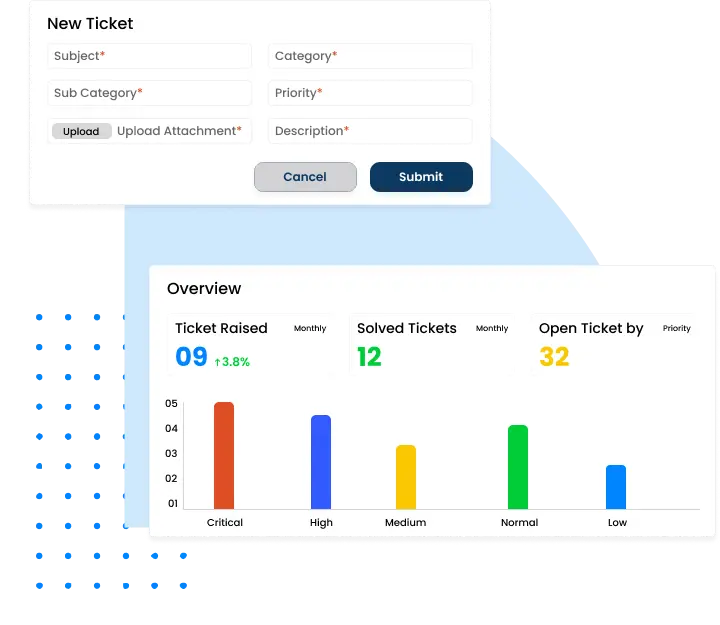
Employee query management is basically about keeping track of all the questions employees raise from time to time. These could be about leave, salary slips, policies, or anything related to work. Instead of handling everything through scattered emails, an HR Helpdesk System or HR ticketing system helps bring all these requests into one place.
For example, if someone wants to check their leave balance or ask about payroll, they can raise a request through the HR helpdesk software. The system then records it, sends it to the right person, and keeps track of it until it’s resolved.
This makes it easier for HR teams to avoid missing requests or losing track of conversations. Over time, using an employee helpdesk system or HR support system helps keep things more organised and responses more consistent.
2. HR ticketing system
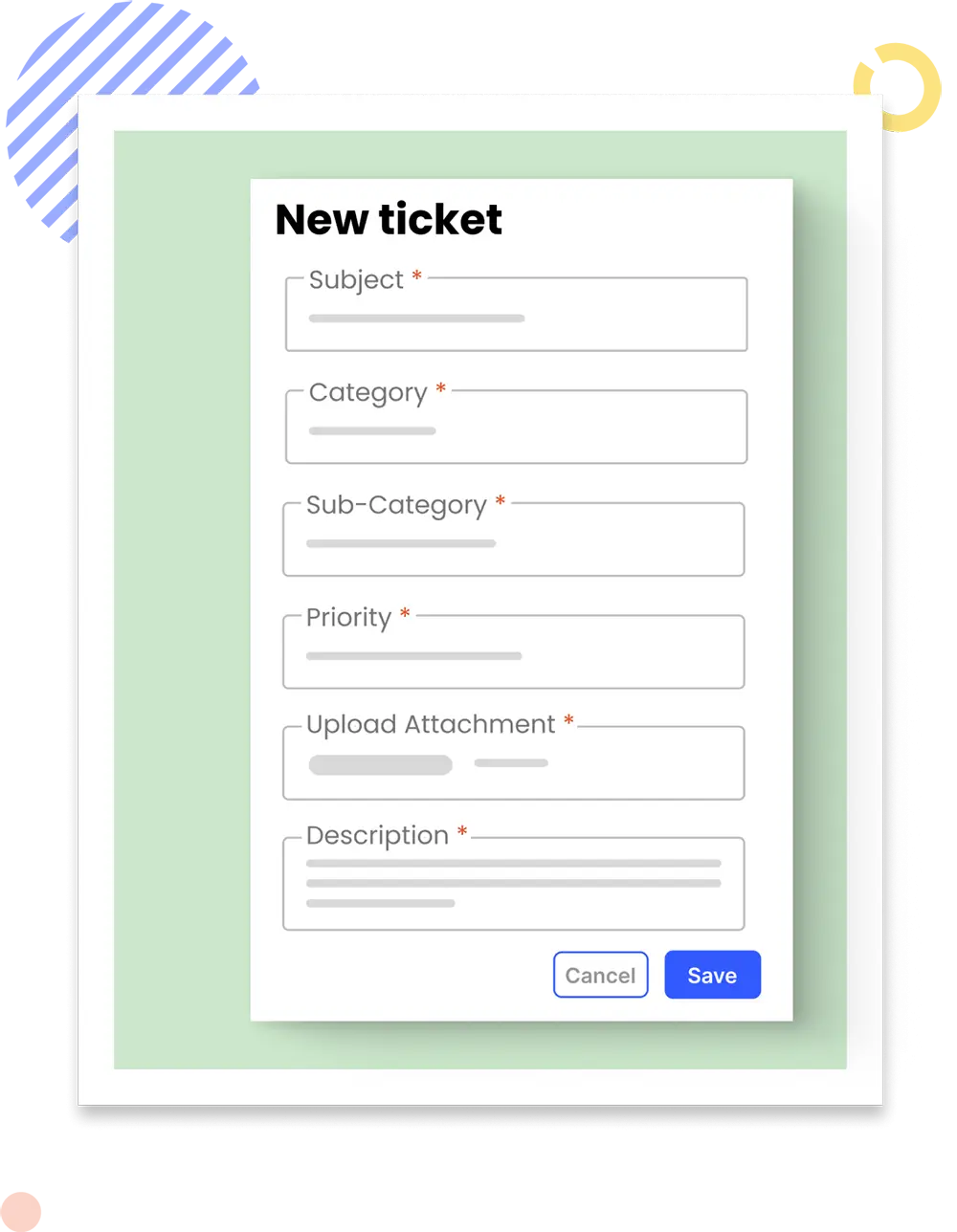
The HR ticketing system is used to keep track of employee requests in a more organised way. Instead of emails getting lost, every request is recorded properly in the HR Helpdesk System.
When someone raises a query, it gets logged as a ticket with its own ID. This makes it easier for both HR and the employee to follow what’s happening with the request. Most HR helpdesk software also shows the status, like whether it’s assigned, being worked on, or already completed.
For example, if there’s a payroll issue, the ticket will move through different stages until it’s resolved. Using an HR support system like this helps reduce confusion and makes sure requests don’t get missed.
3. Self-service portals
Self-service portals are something employees use when they don’t want to ask HR for every small thing. In many cases, they’re part of an HR Helpdesk System, where basic information is already available to check anytime.
You’ll usually find things like company policies, simple guides, or forms there. So if someone wants to check a leave policy or download a document, they can just log in and find it instead of raising a request in the HR ticketing system or sending an email.
This helps cut down a lot of repeated questions. It also makes things a bit easier for HR teams, since they don’t have to reply to the same queries again and again. For many companies, it becomes a useful part of their HR support system over time.
4. Case management
Case management usually comes in when the issue is not very simple. It’s more for situations like complaints, disputes, or anything that needs to be handled carefully. In many companies, these things are managed through an HR Helpdesk System so there’s at least some record of what’s going on.
Instead of emails getting mixed up or lost, the issue is noted and followed step by step. It also helps keep things a bit more private. For example, if someone reports something serious at work, it doesn’t just stay in someone’s inbox — it’s tracked properly in the HR ticketing system.
Over time, this kind of setup helps HR teams avoid confusion and keeps things clearer. It may not solve everything, but it does make handling issues a bit more organised as part of the overall HR support system.
Benefits of an HR Helpdesk
How an HR Helpdesk Works?
Here’s the step-by-step HR helpdesk workflow in simple, clear steps:
- Employee submits a query – The employee uses email, the HR helpdesk portal, or a chatbot to send their question or request.
- System generates a ticket – The HR helpdesk creates a ticket with a unique ID, logs all details, and sends an acknowledgement to the employee.
- HR assigns the ticket – The ticket is routed to the right HR person or department based on the query type and urgency.
- HR works on the ticket – The assigned HR member reviews the request, gathers information, and works on the solution.
- Employee receives updates – Automatic notifications keep the employee informed about the ticket status, such as assigned, in progress, or resolved.
- Ticket is resolved and closed – The solution is shared, the ticket is marked as closed, and feedback is collected to improve future HR helpdesk support.
Example in steps:
- Employee asks for a salary slip.
- HR helpdesk logs the request and creates a unique ticket.
- Ticket is routed to the payroll team.
- Payroll processes the request.
- Employee gets status updates until the slip is ready.
- Salary slip is delivered, the ticket is closed, and feedback is recorded.
Types of HR Helpdesks
Not all HR helpdesks are set up in the same way. It mostly depends on how a company handles its HR work and what works better for them.
You’ll usually see a few common types:
- In-house HR helpdesk – handled by the company’s own HR team, so everything stays within the organisation
- Cloud-based HR helpdesk – runs online, so it can be used from different locations and devices
- Outsourced HR helpdesk – managed by an external team instead of the company’s internal HR
Difference Between Various Types of HR Helpdesks
Here’s a clear comparison table showing the differences between each type of HR helpdesk:
| Criteria | In-house HR Helpdesk | Cloud-based HR Helpdesk | Outsourced HR Helpdesk |
|---|---|---|---|
| Managed By | Internal HR team within the company | HR team uses a cloud-based HR helpdesk software | External HR service provider or vendor |
| Accessibility | Mostly internal systems, sometimes limited remote access | Accessible from anywhere via internet (web/mobile) | Depends on vendor tools and support model |
| Features | Can be tailored to company needs, full data control | Automation, self-service portal, integrations with HR software and payroll systems | Standard workflows, expert handling, sometimes multi-language support |
| Cost | Higher cost due to staffing, setup, and maintenance | Subscription-based, usually flexible pricing | Service-based pricing (per employee / per request / retainer) |
| Best For | Large companies with dedicated HR teams and internal systems | Startups, SMEs, and growing companies needing scalability | Small to mid-sized businesses or companies reducing internal HR workload |
| Scalability | Limited, depends on internal team capacity | Highly scalable as company grows | Scalable but depends on vendor capability |
| Data Control | Full control over employee data and processes | Shared control (data stored on cloud platform) | Limited control, depends on service agreement |
| Implementation Time | Longer setup time due to customization | Quick setup, ready-to-use platforms | Depends on vendor onboarding process |
| Example Scenario | A large enterprise managing queries using its internal HR system and team | A company using cloud HR helpdesk software to manage employee queries remotely | A business outsourcing HR queries to a third-party HR support provider |
HR Helpdesk vs IT Helpdesk
An HR helpdesk focuses on people support, answering questions about policies, benefits, onboarding, and compliance. An IT helpdesk handles technology support, troubleshooting systems, devices, and software. Both are essential but serve different needs.
Must-Have Features in an HR Helpdesk
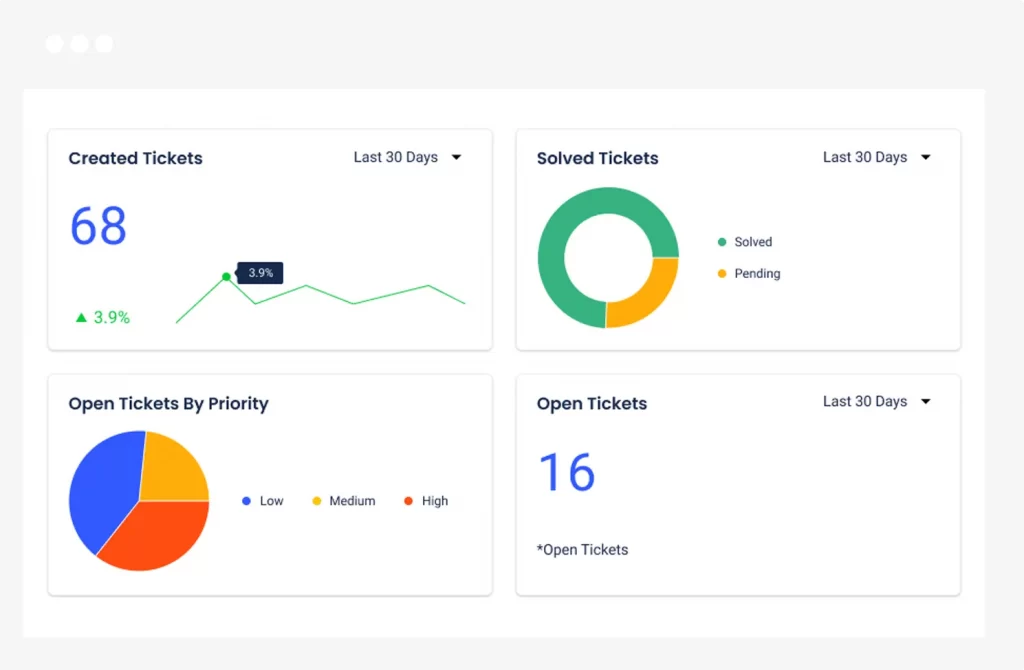
If you’re choosing an HR helpdesk software, make sure it has:
- Ticketing and tracking system
- Automation for repetitive tasks
- Knowledge base for self-service
- Reporting and analytics dashboard
- Integration with HRIS and payroll systems
Best Practices for Managing an HR Helpdesk

A well-run HR helpdesk can transform employee support. Here’s how:
- Standardize processes to handle queries consistently.
- Maintain SLAs (Service Level Agreements) for timely responses.
- Train HR staff on tools and communication skills.
- Measure performance through ticket resolution time and employee satisfaction scores.
Common Challenges in HR Helpdesk Operations
Even the best HR helpdesks face hurdles:
- Overwhelming ticket volume
- Poor communication between HR and employees
- Lack of integration with existing HR tools
- Difficulty in tracking sensitive cases
Choosing the Right HR Helpdesk Software
When selecting an HR helpdesk solution, consider:
- Ease of use for both HR and employees
- Automation and AI capabilities
- Scalability as your organization grows
- Security and compliance features
- Vendor reputation and support
Future of HR Helpdesks

The future is bright for HR helpdesk systems. AI-powered chatbots, predictive analytics, and automated workflows are revolutionizing HR support. Soon, your HR helpdesk will resolve most queries instantly, without human intervention, while HR professionals focus on complex, people-first problems.
Conclusion
An HR Helpdesk System is something many companies end up using once things start getting difficult to manage manually. When there are too many emails or requests coming in, it becomes hard to keep track of everything. That’s where an HR helpdesk software or even a simple HR ticketing system starts to help. It keeps things in one place and makes it easier to follow up.
Over time, having some kind of HR support system also helps teams respond faster and avoid missing requests. Some tools, like Zimyo, include this along with other HR features, so everything doesn’t have to be managed separately.
In the end, it’s less about having a perfect system and more about keeping things manageable. For many teams, using a helpdesk just makes day-to-day HR work a bit easier to handle.
Frequently Asked Questions (FAQs)

What is the HR help desk?
An HR help desk is a support system where employees can send their questions, requests, or problems related to HR. It works like a central hub to handle queries about payroll, leave, policies, benefits, or any HR process. It helps HR teams track requests, respond quickly, and keep everything organized.
What is an HR service desk?
An HR service desk is another name for an HR help desk. It’s a platform or team that provides HR-related assistance, manages employee queries, and ensures HR services are delivered efficiently. It may include tools like ticketing systems, self-service portals, and case management features.
Can you call HR for advice?
Yes. Employees can contact HR for advice on workplace policies, benefits, compliance, career growth, or personal issues that affect their job. However, the method (call, email, portal, or chat) depends on the company’s HR support system.
What is the job description of an HR service desk?
The HR service desk team’s job is to:
- Receive and respond to employee queries
- Manage and track tickets until they are resolved
- Provide guidance on HR policies and procedures
- Handle sensitive cases like grievances or compliance issues
- Maintain accurate records of all requests
- Ensure fast and professional service to improve employee experience